
Free Shipping Bar Attributes
Free Shipping on Orders Over $250. Shop Now
ToolSense FAQ & Troubleshooting
- Switch off ToolSense and unplug the connected tool.
- Check that the wall outlet is switched on. Then try ToolSense in another suitable, working outlet.
- If ToolSense still does not respond, contact Aerguard support.
Do not open ToolSense or use a plug adaptor.
- Check whether this happens when nearby equipment, such as a welder or generator, is running.
- If safe, try ToolSense in another suitable, working outlet away from that equipment.
- If ToolSense keeps restarting, stop using it and contact Aerguard support.
- Switch off the power. Check that the tool is plugged into ToolSense and that the tool’s own switch is on.
- If safe, try the tool directly in a suitable, working wall outlet.
- If the tool still does not run, have the tool or power supply checked. If it works directly but not through ToolSense, stop using ToolSense and contact Aerguard support.
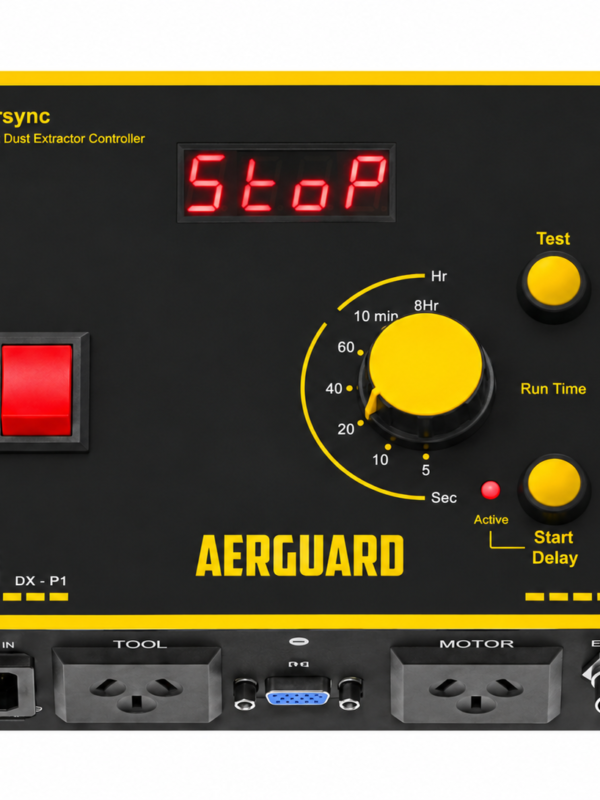
- Press Test on the controller. If extraction does not start, use that controller’s troubleshooting guide.
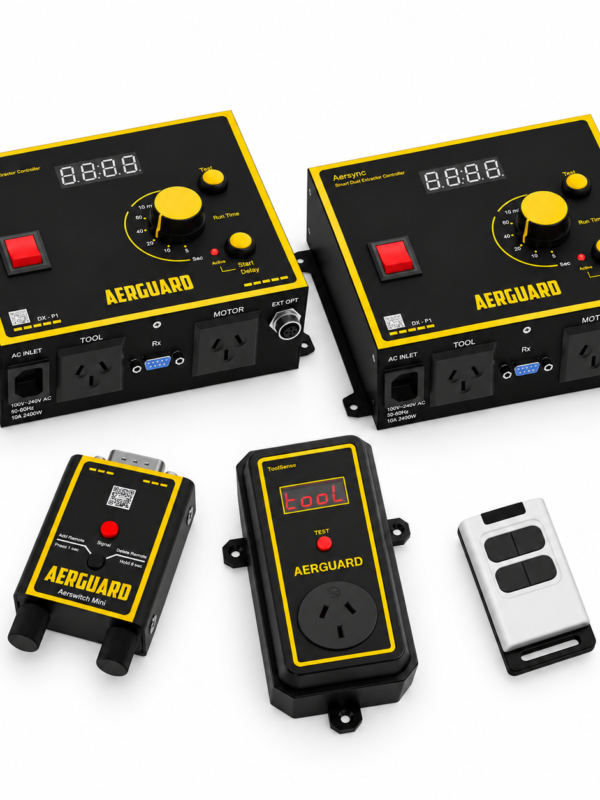
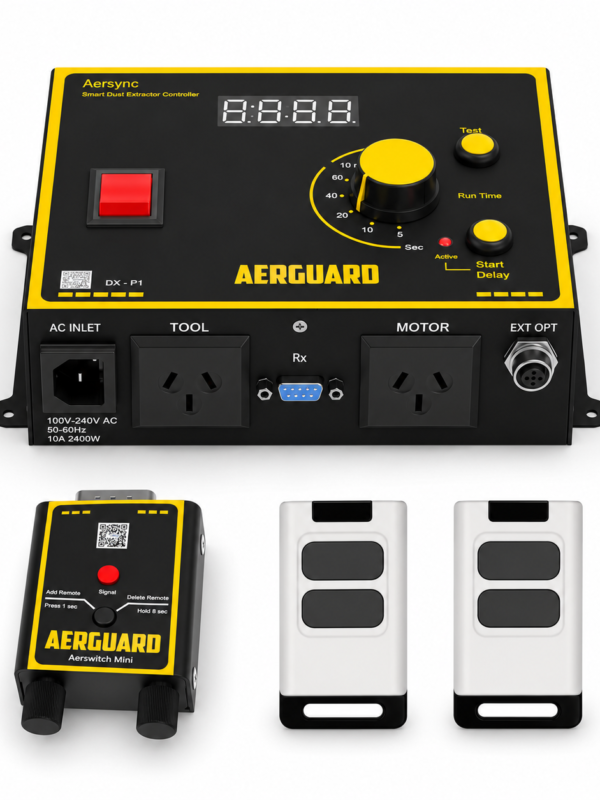
- Try ToolSense close to the receiver. Aersync P1 needs Aerswitch Mini; Aerswitch P3 has a built-in receiver.
- Put the receiver in pairing mode, then press ToolSense Test. Test again after pairing.
- If the controller Test works but ToolSense Test does not, contact support with these results.
- Check that the tool is plugged into ToolSense and is running.
- Try another suitable tool that draws more power, without exceeding ToolSense’s rating. Some smaller tools may use too little power to be detected.
- If neither tool starts the extractor, even though Test works, contact Aerguard support.
- Move ToolSense closer to the receiver and test it again.
- If it works nearby, move ToolSense or the receiver away from large metal objects that may block the signal.
- If the problem continues, contact Aerguard support.
ToolSense has a range of up to 30 metres with a clear line of sight.
This is normal. ToolSense keeps the extractor running for 15 seconds after its last signal. The Aersync P1 run-on dial does not change this time.
Aersync P1 controllers purchased before September 2026 need a firmware update to work with ToolSense. Aerguard provides the update and return postage at no charge. You only pay to send the controller to Aerguard. Contact Aerguard support to arrange the update.
Follow the guide for your controller: Aersync P1 or Aerswitch P3.
Still need help? Tell us what happened and which checks you tried.