Free Shipping on Orders Over $250. Shop Now

Solution:

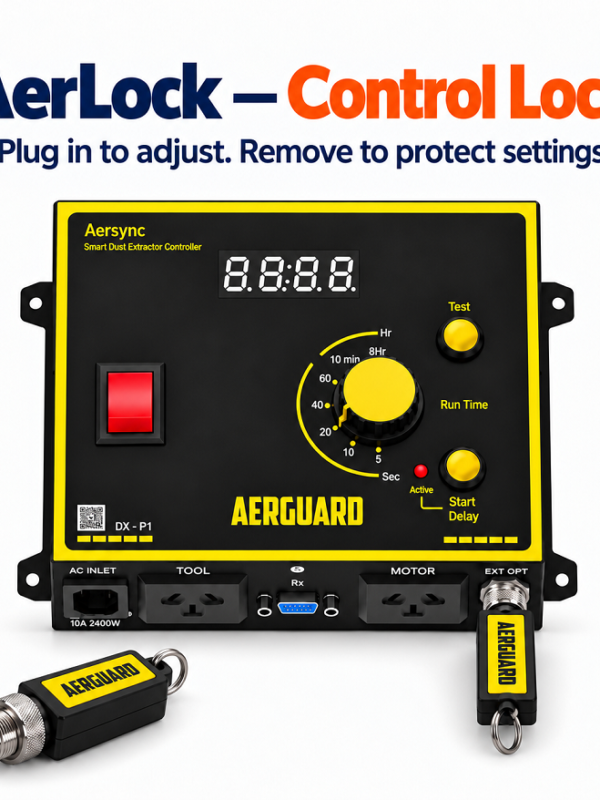
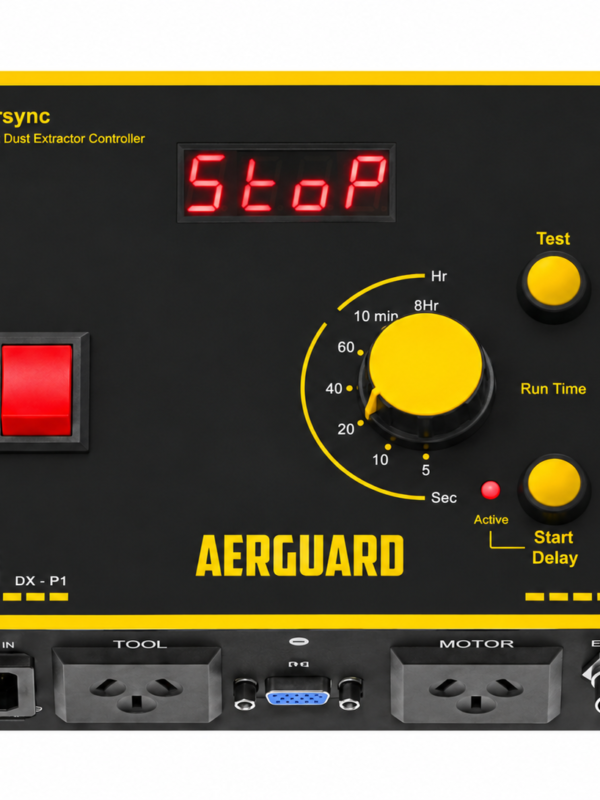
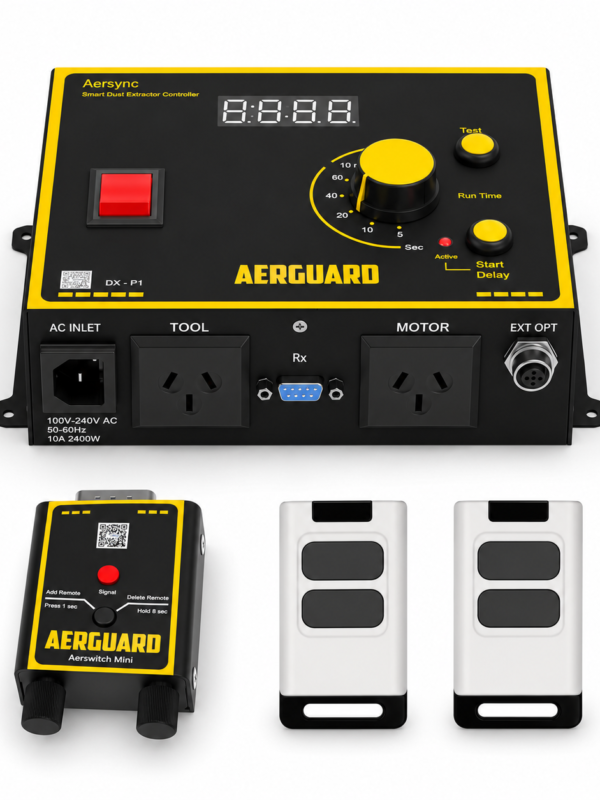
Plug the Aersync into a known working socket. If the display still doesn’t turn on after switching the controller on, the unit may have a faulty power supply.

Solution:

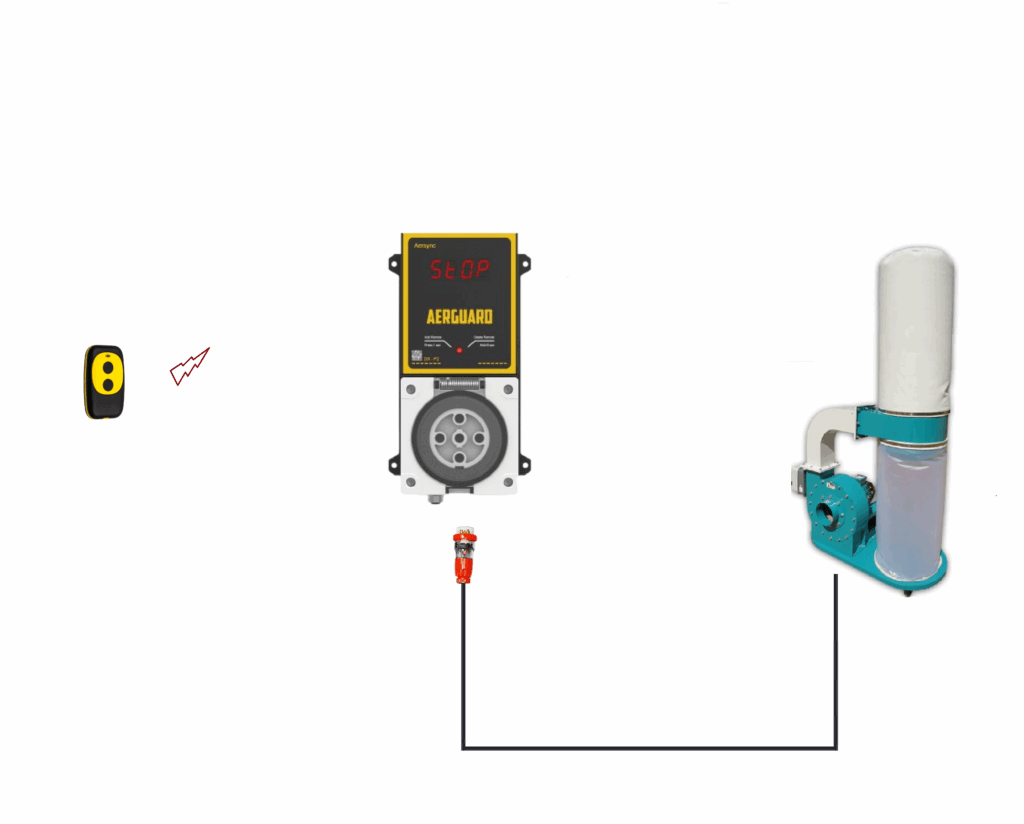
1.) Try pressing another button on the remote, including the Off button. This should light up the status LED and confirm the signal is being sent.

2.) If you have another remote, test it. If the second remote works, the first remote may be faulty.

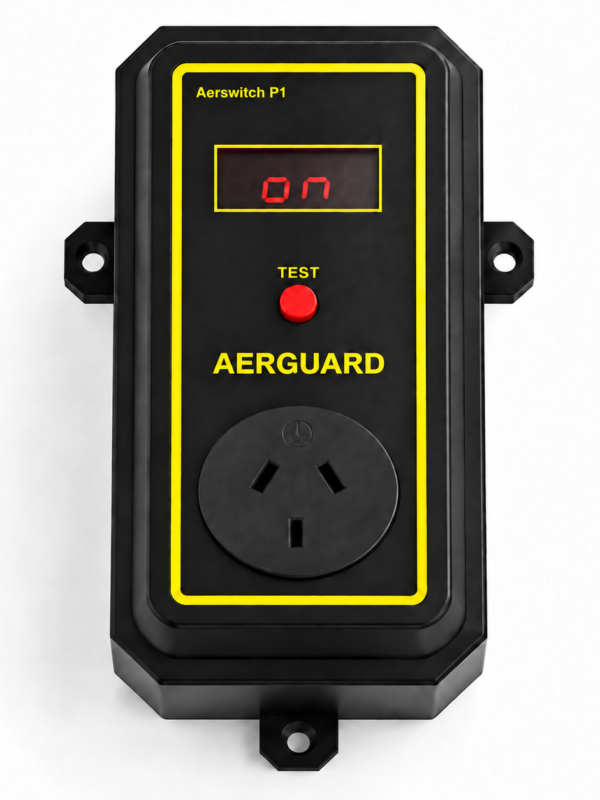
3.) If you don’t have a spare remote and the first one still doesn’t work, press the red button on Aerswitch. The status LED should light up, confirming that the Aerswitch itself is still working.
Aersync has detected a fault during self check.

Solution:

1.) Turn off the power and unplug the dust extractor from the Motor socket.

2.) Turn power back on.

If the “E01” code still appears, there is a fault in the output section of the unit.

Aersync has detected a fault during self check of the countdown.

Solution:

1.) Turn off the power and unplug the dust extractor from the Motor socket.

2.) Turn power back on.

3.) Press the test button, the timer should start the countdown.

If the “E02” code still appears after the countdown there is a fault in the output section of the unit .

Aersync has detected a power supply issue.

Solution:

1.) Turn off power and plug the main lead of aersync to another power socket.

2.) Turn power back on and press the remote or test button to activate

If the “E03” code still appears after the countdown there is a fault in the output section of the unit .

Still need help? Contact us if troubleshooting does not resolve the problem or you suspect a fault with the unit.

Shopping Cart
0.00%
Spend $250.00 more to enjoy Free Shipping!
Your cart is currently empty!.

You may check out all the available products and buy some in the shop.

Continue Shopping
Free Shipping Bar Attributes
Add Order Note
Estimate Shipping