
Free Shipping Bar Attributes
Free Shipping on Orders Over $250. Shop Now
Three-Phase Dust Extraction Setups
For workshops using three-phase power
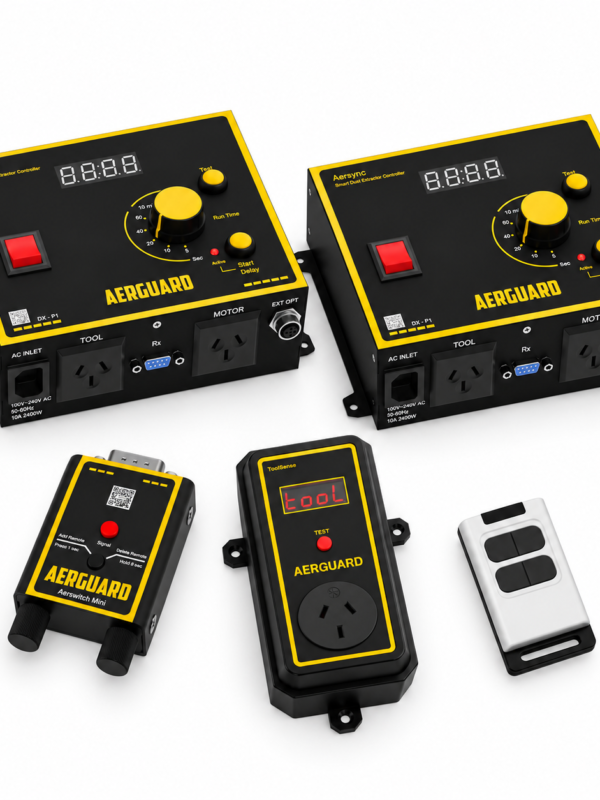
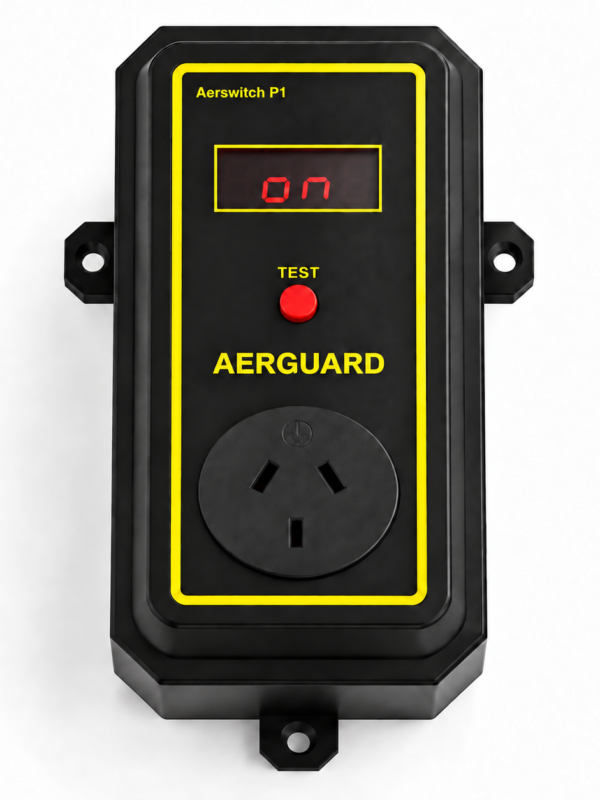
Explore three-phase dust extraction setups for your woodworking workshop. Aerswitch P3 gives you remote control on and off, with a built-in receiver and remote included. Add ToolSense for tool-triggered extraction in the setups shown below. Aersync P3 automatic three-phase control is coming soon.
How can I control a three-phase dust extractor? Aerguard’s Aerswitch P3 provides remote control on/off, with a remote control included. Add ToolSense for automatic starting from a tool at another station. The separate Aersync P3 automatic controller is coming soon.
Compare the setups below or see the Aerswitch P3 controller.
Looking for Single-Phase?
Remote Control Dust Extractor for Woodworking
The three-phase dust extractor connects to Aerswitch P3, which has a built-in wireless receiver. Switch extraction on and off from the table-saw workstation with the remote, without walking over to the dust extractor.

Product Needed: Aerswitch P3 (remote control included)
Wireless Tool-Activated Dust Extraction
The three-phase dust extractor connects to Aerswitch P3, which has a built-in wireless receiver. Start the single-phase planer connected to ToolSense to trigger extraction automatically, or use the remote control at the table saw to switch extraction on and off, without walking over to the dust extractor.

Products Needed: Aerswitch P3 (remote control included) + ToolSense
Wired Tool-Activated Dust Extraction
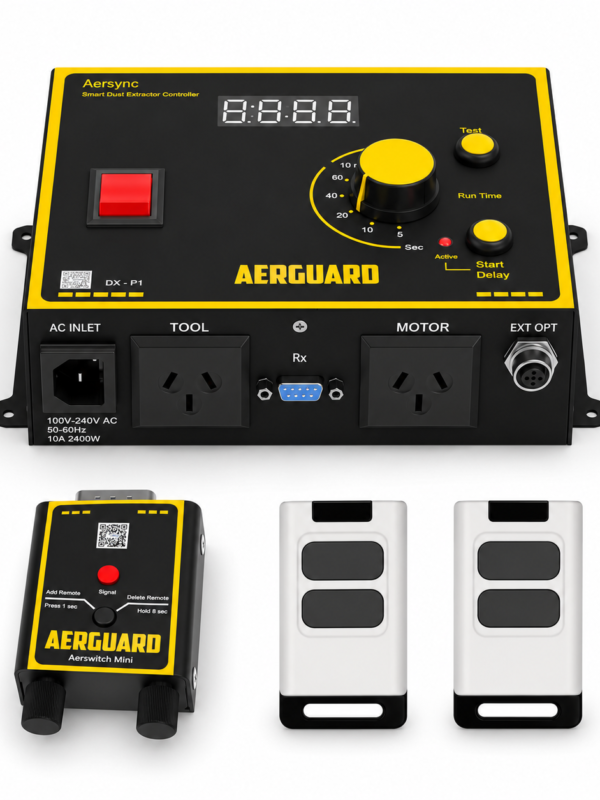
The single-phase mitre saw connects to Aersync P1, and the three-phase dust extractor connects to Aerswitch P3. Start the mitre saw and P1 signals P3 through the control cable to start dust extraction automatically.

Products Needed: Aersync P1 + Aerswitch P3 (remote control included) with External Control Input + M12 8-pin Control Cable
Wireless alternative: Connect the single-phase mitre saw to ToolSense. Start the mitre saw and ToolSense wirelessly signals Aerswitch P3 to start the three-phase dust extractor automatically, without an M12 control cable or Aersync P1.
Automatic Dust Extraction for Multiple Woodworking Machines
The three-phase dust extractor connects to Aerswitch P3. Start the planer, mitre saw or three-phase woodworking machine connected to ToolSense to trigger extraction automatically, without walking over to the dust extractor.

Products Needed: Aerswitch P3 (remote control included) + Two Single-Phase ToolSense Sensors + One Three-Phase ToolSense Sensor
Coming Soon: Three-Phase ToolSense
Automatic or Remote Control for a 3-Phase Dust Extractor
Start the three-phase table saw and Aersync P3 starts the dust extractor automatically, with your chosen run-on time after the table saw stops. When using the mitre saw, switch the dust extractor on and off with the remote. Aersync P3 has a built-in wireless receiver, so you can use remote control alongside its automatic operation.

Coming Soon
Products Needed: Aersync P3 + Remote Control
Frequently Asked Questions (FAQ)
Quick answers about three-phase dust extraction, remote control and automatic tool detection.
How can I remotely switch a three-phase dust extractor?
Aerswitch P3 connects between the power supply and your extractor. Its built-in receiver lets you switch extraction ON or OFF from your workstation using the included remote control.
Can a single-phase tool start a three-phase extractor?
Yes. Connect your single-phase tool to ToolSense and your three-phase dust extractor to Aerswitch P3. Start the tool and ToolSense signals P3 to start dust extraction automatically. Alternatively, use Aersync P1 and an M12 8-pin control cable for a wired connection to the External Control Input on P3.
Is remote control the same as automatic tool detection?
A remote starts extraction when you press a button. ToolSense detects your connected tool running and sends a wireless signal to start extraction automatically.
Do I need a separate receiver with Aerswitch P3?
No. Aerswitch P3 has a built-in receiver for the remote control and ToolSense sensors.
Which plug option should I choose?
The standard outlet suits a 4-pin dust extractor supply plug. A 5-pin option is available; neutral is not connected internally. Check your dust extractor’s supply plug before ordering.
Does this setup operate blast gates automatically?
These setups control the extractor. Open the blast gate for the tool you’re using to direct airflow to that workstation.
What if my extractor has an NVR switch?
If your extractor has an NVR switch, it needs to be bypassed by a qualified electrician for automatic restarting. This is not unique to Aerswitch P3—it applies to any controller that switches the extractor’s power, because the NVR prevents restarting when power returns.