
A small workshop often has more machines than dust extractors. Sharing one collector between a table saw, planer, router table and other tools can save space, but it needs careful planning. The key questions are airflow, duct routing, which machine is in use and how the extractor is switched.
Start with the collector’s capacity
Check the extractor manufacturer’s rated airflow, pressure characteristics, filter type and intended use. A large ducted dust collector is not interchangeable with a shop vacuum connected to small hand-tool ports. Different tools may need different capture arrangements.
Count the machines you expect to run at the same time. A collector sized for one open branch may not perform adequately with two or three branches open together.
Plan the ducting before buying fittings
Sketch where the machines, collector and operator will stand. Short, direct duct runs with gradual bends generally create less resistance than long hoses with multiple tight turns. Keep hoses away from walking paths, moving machinery and areas where offcuts collect.
Match duct diameters and adaptors to the equipment instructions. Reducing every branch to a narrow hose can defeat the advantage of a high-volume collector.
Understand blast gates and branches
A manual blast gate closes an unused branch so more of the available airflow reaches the active machine. Automatic blast gates are another possible approach, but their operation and fail-safe behaviour need to suit the particular installation.
Label branches clearly and avoid arrangements that allow the collector to operate against closed or unsuitable ducting. Check the collector maker’s requirements for minimum open airflow.
Choose how the extractor is controlled
The simplest method is a manual switch. A remote can make one centrally located extractor easier to operate from several workstations. Tool sensing is a different approach: compatible sensors detect use at selected machines and signal a controller to start extraction.
For example, a single-phase controller and wireless tool sensors can form a multi-station arrangement, while a three-phase installation requires suitable three-phase control equipment. Always check compatibility, electrical ratings and any machine-specific restart behaviour.
One Extractor, Multiple Tools — The Aerguard Arrangement
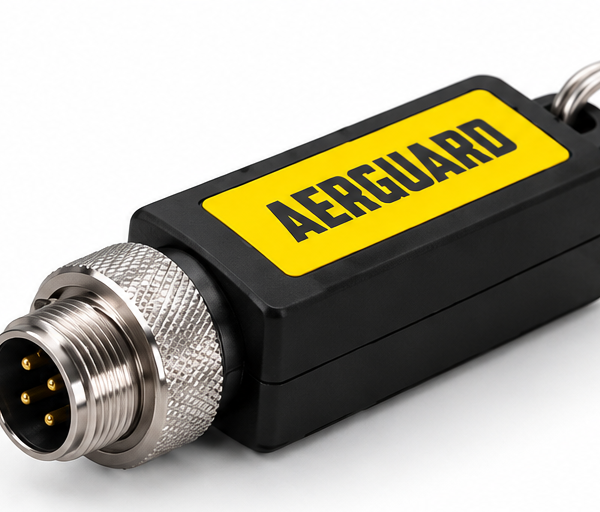
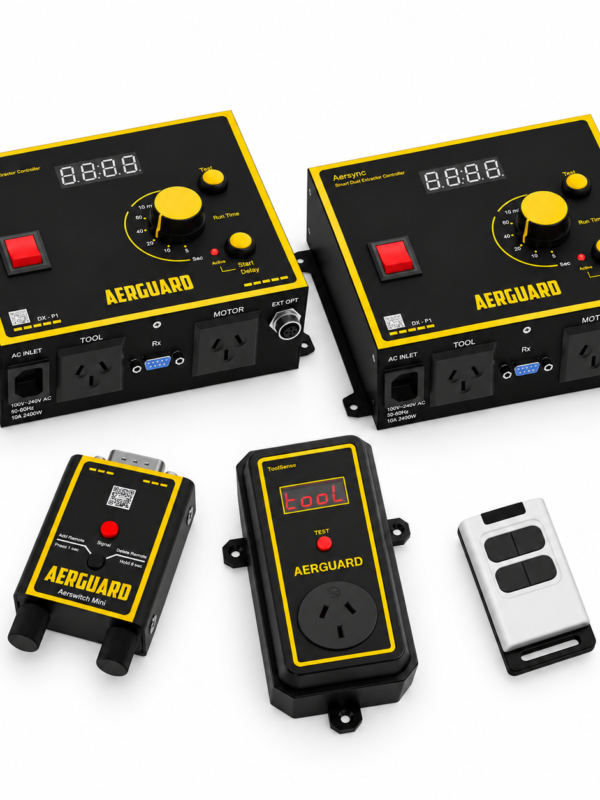
A table saw, mitre saw and planer can share one dust extractor using ToolSense wireless sensors, an Aerswitch Mini receiver and an Aersync P1 controller.
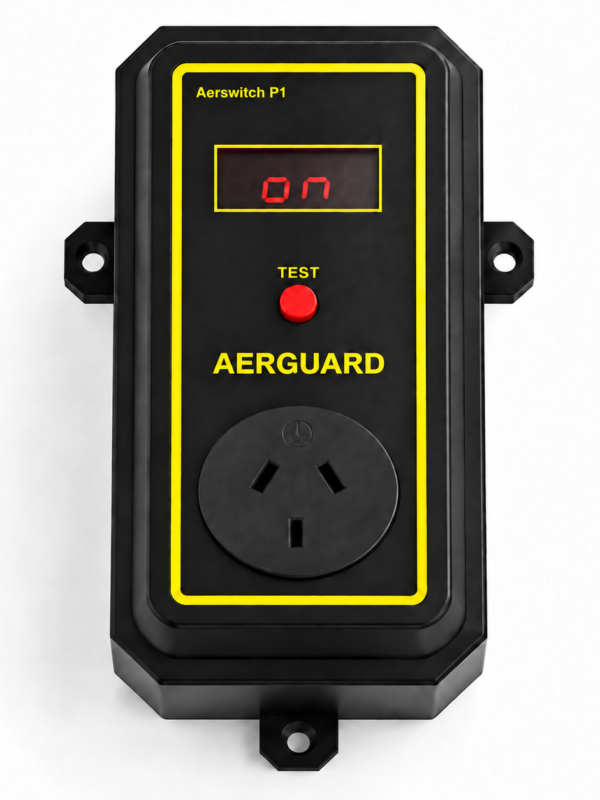
- At each machine: Connect the tool through a compatible ToolSense sensor, with the correct rating for that tool and its power outlet.
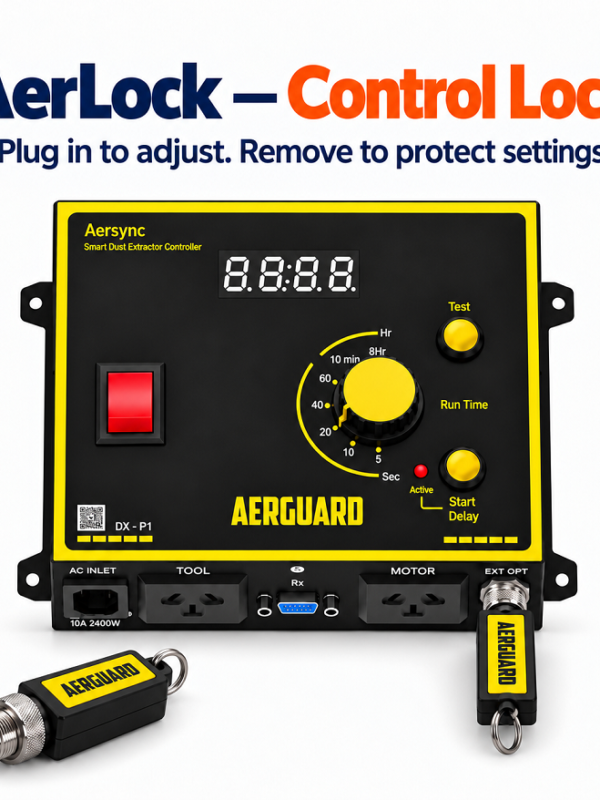
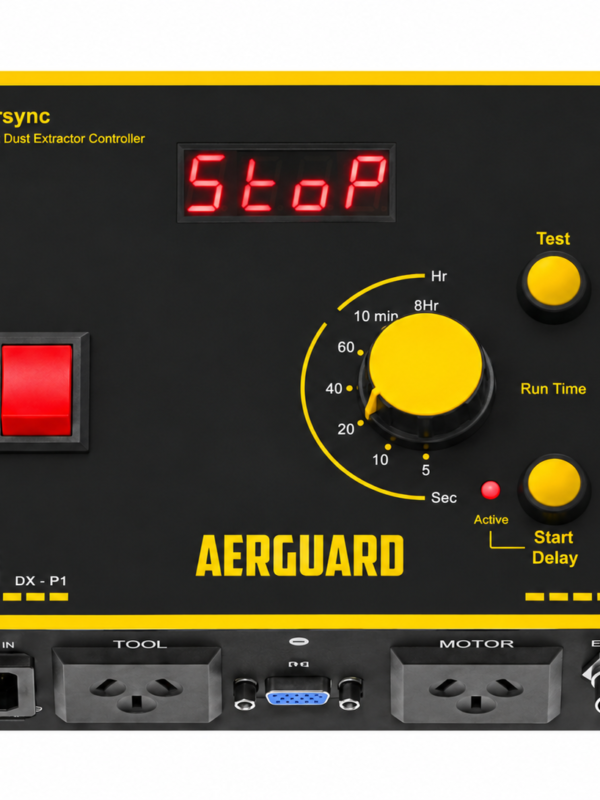
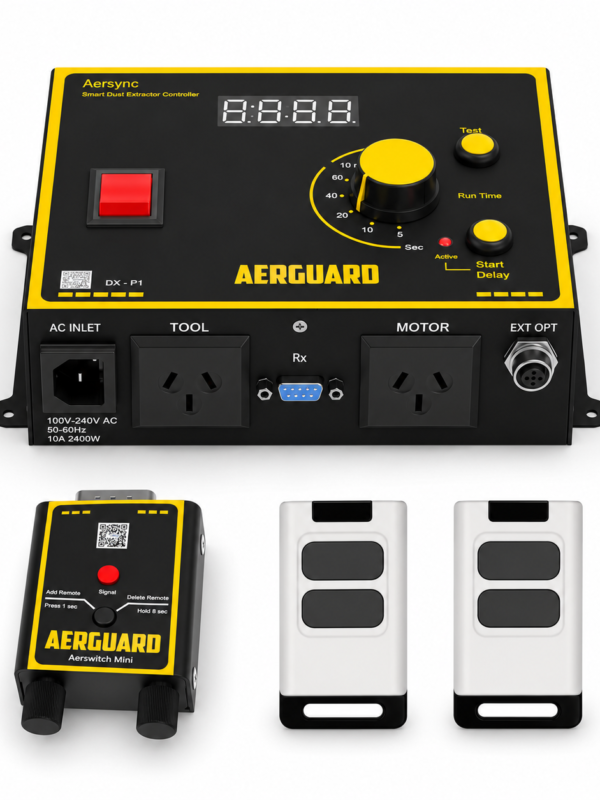
- At the extractor: Connect the dust extractor to Aersync P1 and plug the Aerswitch Mini receiver into P1.
- Start your tool: ToolSense detects the tool running and sends a wireless signal to the Aerswitch Mini receiver. Aersync P1 then starts the shared dust extractor automatically.
- Finish your cut: After the tool stops, extraction continues for the run-on time selected on the P1 rotary dial, helping clear dust remaining in the hose.
The signal path: ToolSense at the active machine → Aerswitch Mini receiver → Aersync P1 → shared dust extractor.
You can move between compatible ToolSense-equipped workstations without walking back to the extractor to switch it on and off. Each tool uses its own suitable power supply through ToolSense; choose the P1 rating for the equipment powered through P1.
Blast gates are still operated manually: Open the branch for the machine you are using and close unused branches as appropriate for your extractor. This arrangement automates extractor switching; it does not open or close blast gates.
Aersync P1 controllers purchased before September 2026 need a firmware update for ToolSense compatibility. Pair the sensors and test wireless reception at each workstation before permanent mounting.
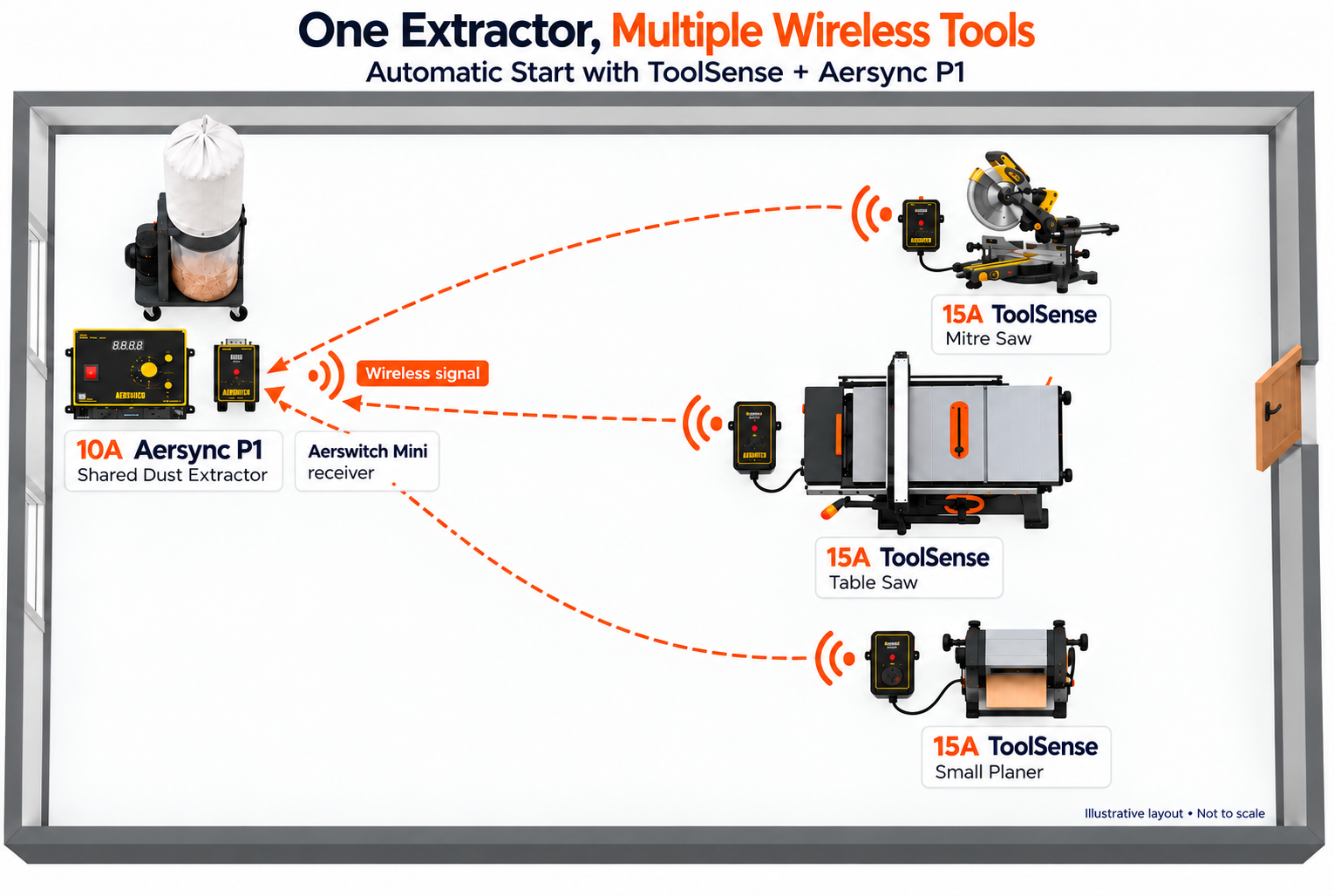
Existing Aerguard setup example: multiple ToolSense-equipped woodworking machines sharing one dust extractor. Illustrative layout. Not to scale.
Test the real workshop, not just the diagram
Open the intended branch, run the relevant machine and inspect the capture at its dust source. Repeat for every workstation. Look for dust escaping near blades or cutter heads, and check for blockages or filters that load quickly.
If more than one machine may operate at once, test that operating case as well. A control system that starts reliably does not guarantee adequate collection airflow.
Frequently asked questions
Can two tools share one extractor? Often, provided the collector and ductwork are designed for the required simultaneous airflow.
Do I need a separate switch at each machine? Not necessarily. Manual, remote and compatible tool-sensing controls are all possible, depending on the installation.
Related reading: Guide to Automatic Dust Control in Workshops and The Hidden Dangers of Wood Dust. The setup examples below are illustrative; check equipment compatibility.