
Free Shipping Bar Attributes
Free Shipping on Orders Over $250. Shop Now
Automatic Dust Extraction Setups for Woodworking Workshops
For workshops using standard 230–240V power
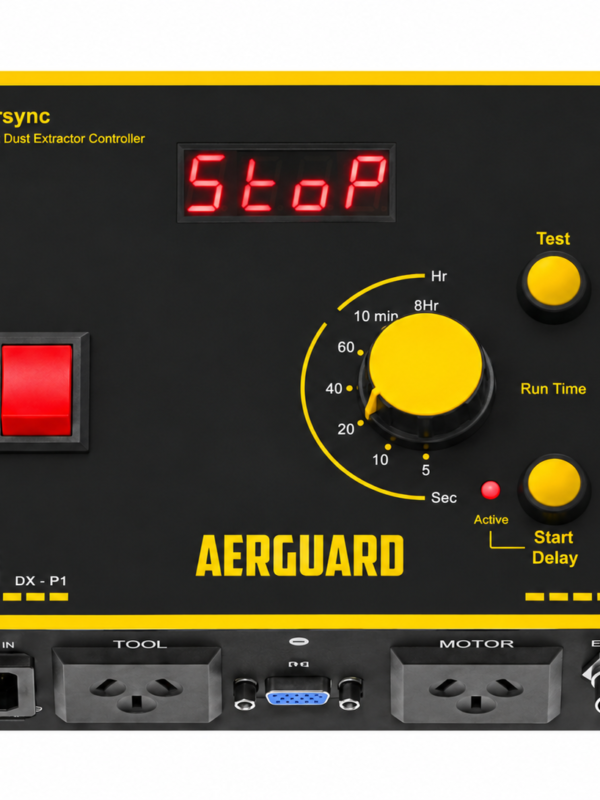
How do I auto start my dust extractor? Aersync P1 by Aerguard starts a single-phase dust extractor when your connected power tool runs, then switches it off after the adjustable run-on time. For tools at separate stations, add ToolSense sensors and an Aerswitch Mini receiver.
Aerguard offers practical solutions for automating dust extraction on single-phase woodworking equipment, including table saws, mitre saws, planers, sanders and other power tools. Whether you need a tool-activated vacuum switch, automatic dust collector control or simple wireless remote operation, there's a setup to suit your workshop.
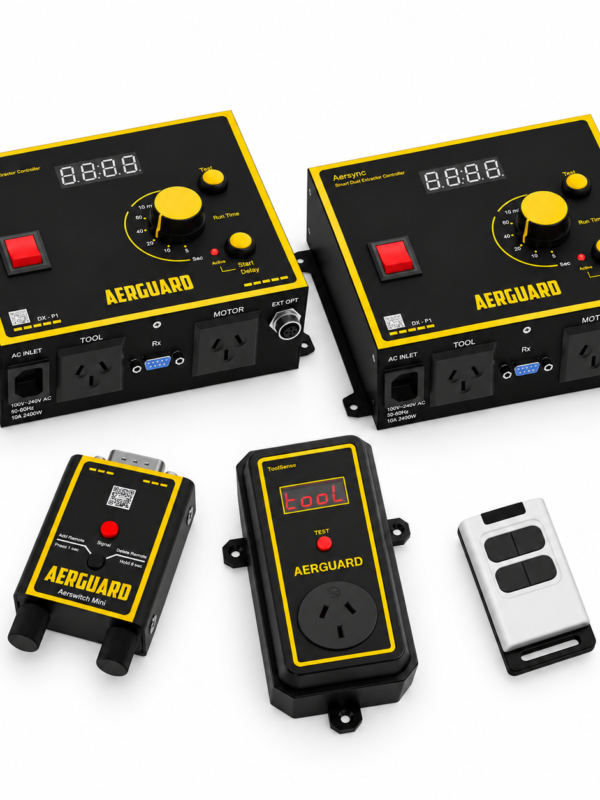
Choose from Aersync automatic dust extractor controllers, Aerswitch wireless remote controls and ToolSense wireless tool sensors. Explore the setups below to find the right solution, from a single power tool to multiple machines and dust extractors.
Aerguard offers practical solutions for automating dust extraction on single-phase woodworking equipment, including table saws, mitre saws, planers, sanders and other power tools. Whether you need a tool-activated vacuum switch, automatic dust collector control or simple wireless remote operation, there's a setup to suit your workshop.
Choose from Aersync automatic dust extractor controllers, Aerswitch wireless remote controls and ToolSense wireless tool sensors. Explore the setups below to find the right solution, from a single power tool to multiple machines and dust extractors.
Looking for 3-Phase?
Automatic Dust Extractor Switch for One Power Tool
The mitre saw and dust extractor connect to an Aersync P1 automatic dust extractor controller.
Start the saw and dust extraction starts automatically, then continues for your chosen run-on time after the saw stops
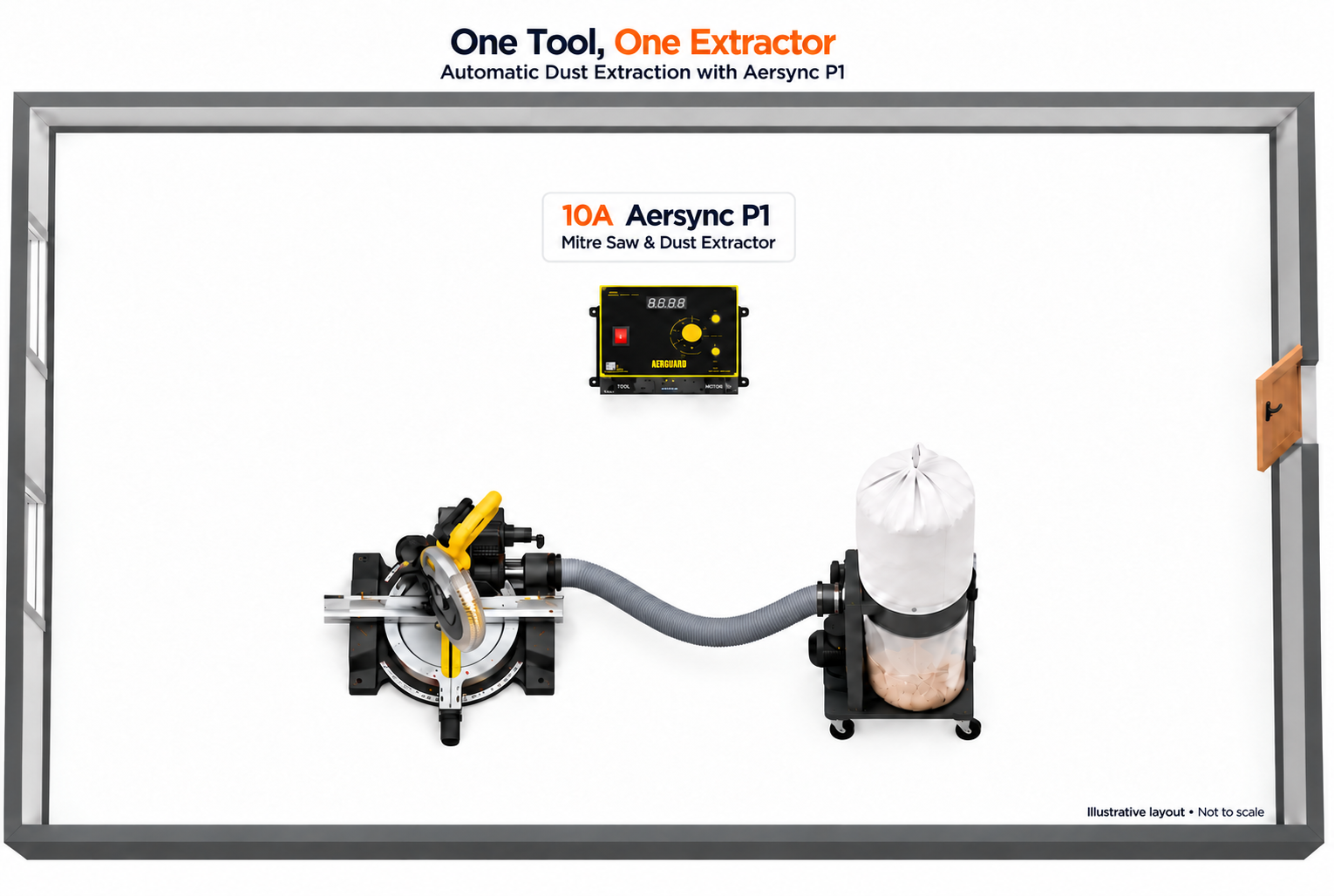
Product Needed: Aersync P1
From $239
Includes Aerguard controls only. Tools, dust extractor(s) and hoses are not included.
Remote Control Dust Extractor for Woodworking
The dust extractor connects to Aersync P1 fitted with an Aerswitch Mini receiver.
Switch extraction on and off from mitre saw or table saw, without walking over to the dust extractor.

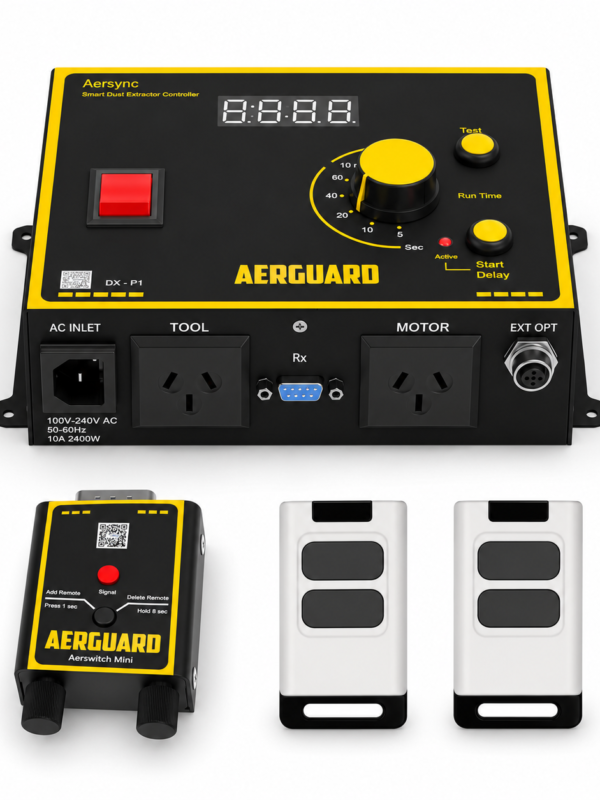
Products Needed: Aersync P1 + Aerswitch Mini + Remote Control (2 units)
From $297
Includes Aerguard controls only. Tools, dust extractor(s) and hoses are not included.
Wireless Tool-Activated Dust Extraction
The dust extractor connects to Aersync P1 fitted with an Aerswitch Mini receiver.
Start the mitre saw and ToolSense wirelessly signals Aersync P1 to start dust extraction automatically, without walking across the workshop to switch the extractor on and off.
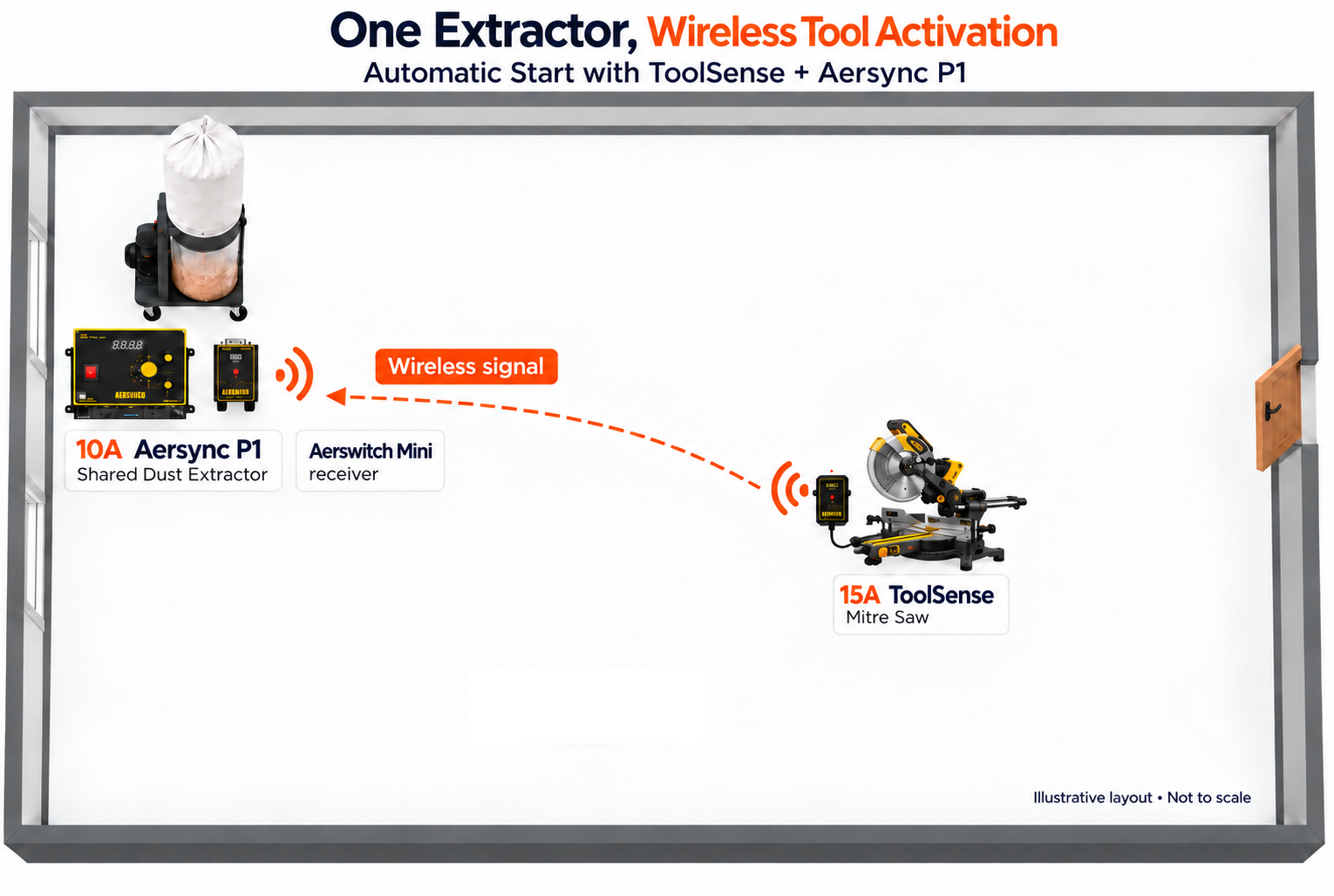
Products Needed: Aersync P1 + Aerswitch Mini + ToolSense
Proposed starter kit price: $399
Includes Aerguard controls only. Tools, dust extractor(s) and hoses are not included.
Wireless Dust Extractor Control with Remote and ToolSense
The dust extractor connects to Aersync P1 fitted with an Aerswitch Mini receiver.
Switch extraction on and off from the table saw workstation with the remote, or start the mitre saw connected to ToolSense to trigger extraction automatically—without walking over to the dust extractor.

Products Included: Aersync P1 + Aerswitch Mini + 1 ToolSense + 1 four-button remote
Proposed starter kit price: $399
Includes Aerguard controls only. Tools, dust extractor(s) and hoses are not included.
Automatic Dust Extraction for Multiple Woodworking Machines
The dust extractor connects to Aersync P1 fitted with an Aerswitch Mini receiver.
Start any tool connected to ToolSense to trigger extraction automatically—without walking over to the dust extractor.
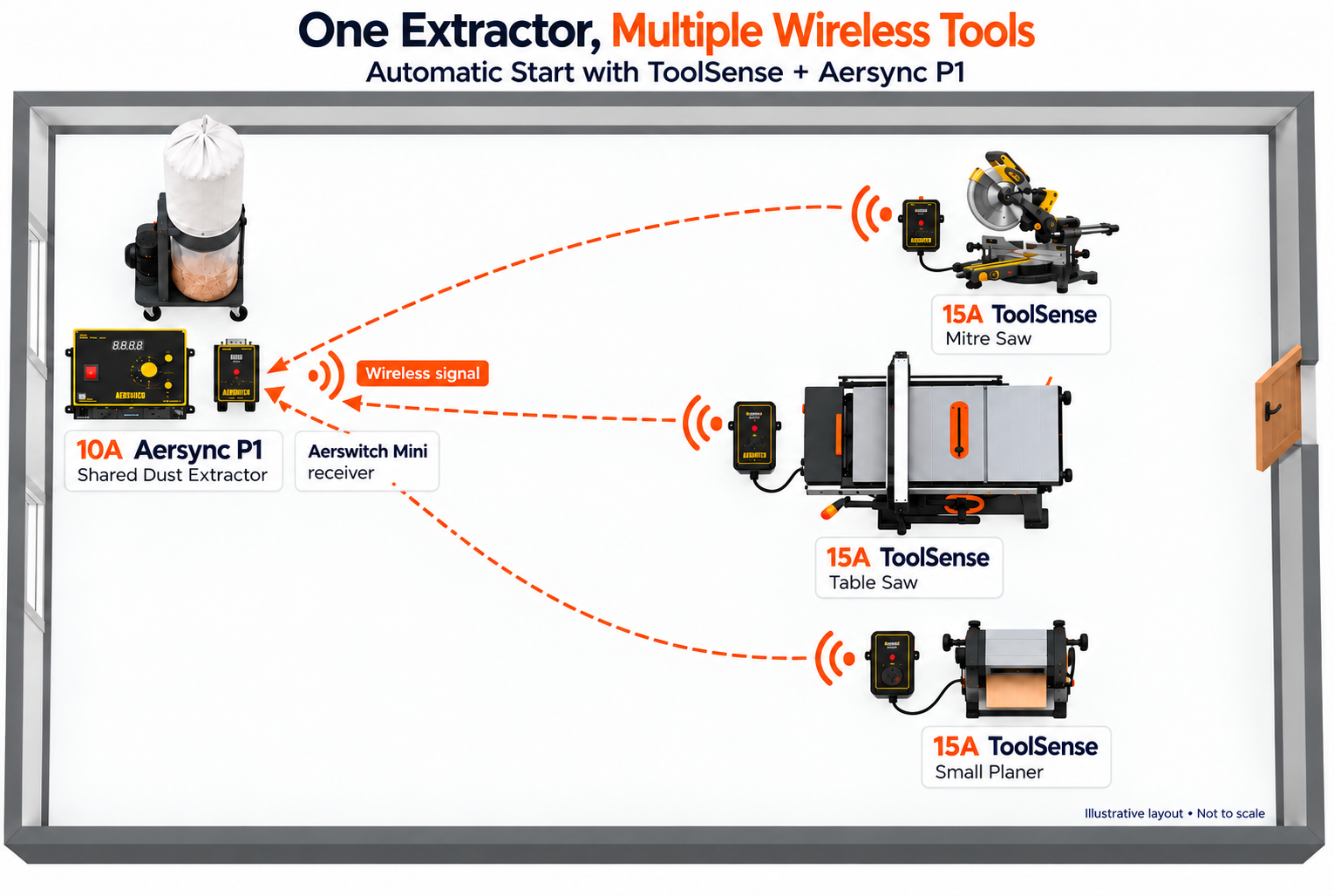
Proposed kit price: $639
Includes Aerguard controls only. Tools, dust extractor(s) and hoses are not included.
Automatic Dust Extraction for Two Extractors and Multiple Tools
The table saw and mitre saw each connect to Aersync P1 controller that automatically starts their respective dust extractors. The planer farther away uses ToolSense to wirelessly start the extractor it shares with the mitre saw through an Aerswitch Mini receiver.
All three tools trigger dust extraction automatically when started, and extraction stops after the set run-on time once the tool stops—no remote button presses or manual switching required.
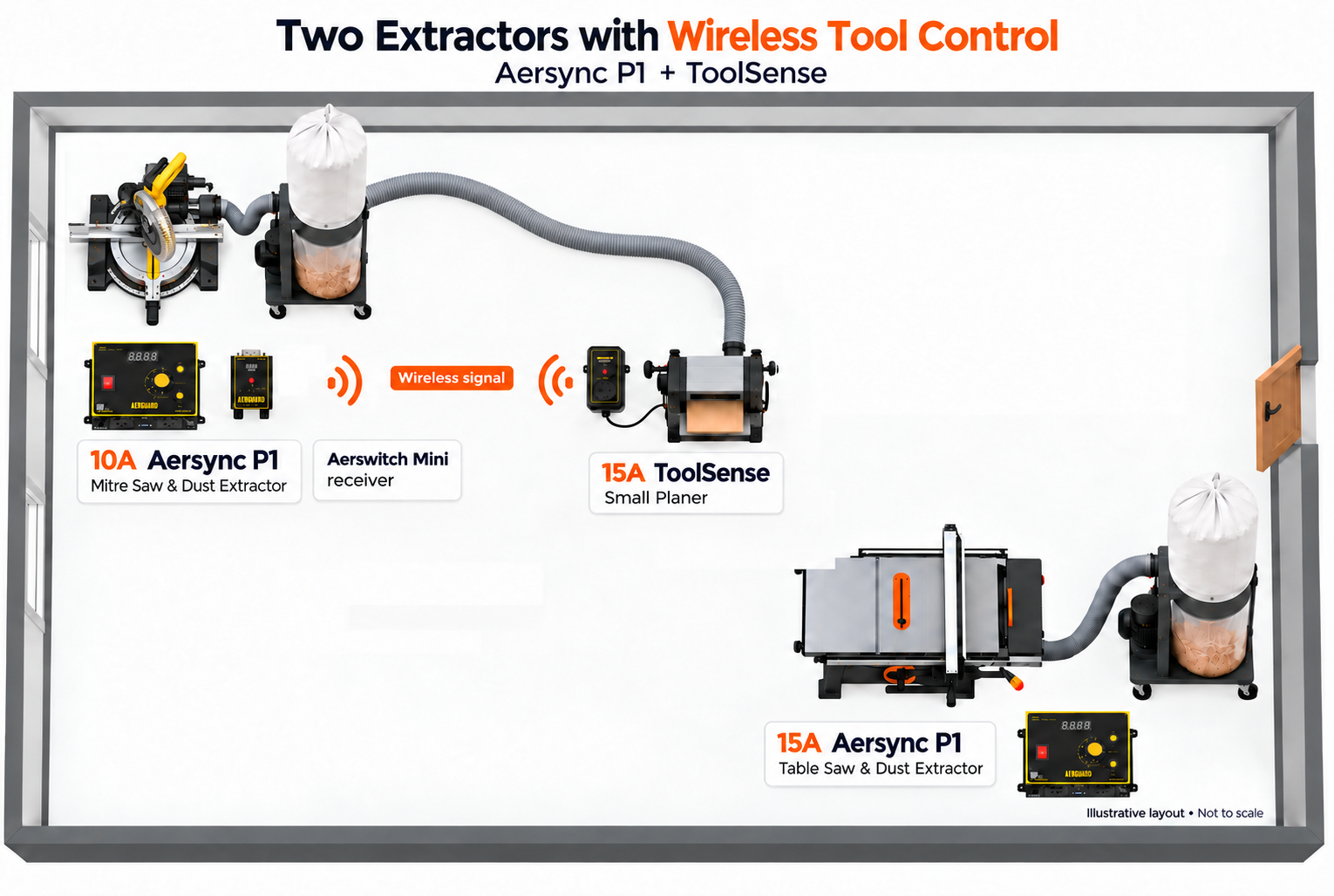
Products Needed: Aersync P1 (2 units) + Aerswitch Mini + ToolSense
From $638
Includes Aerguard controls only. Tools, dust extractor(s) and hoses are not included.
Dust Extractor Control Panel Key for Shared Workshops
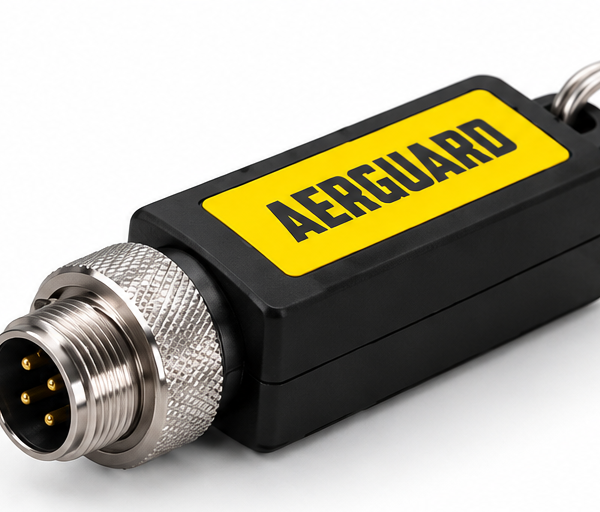
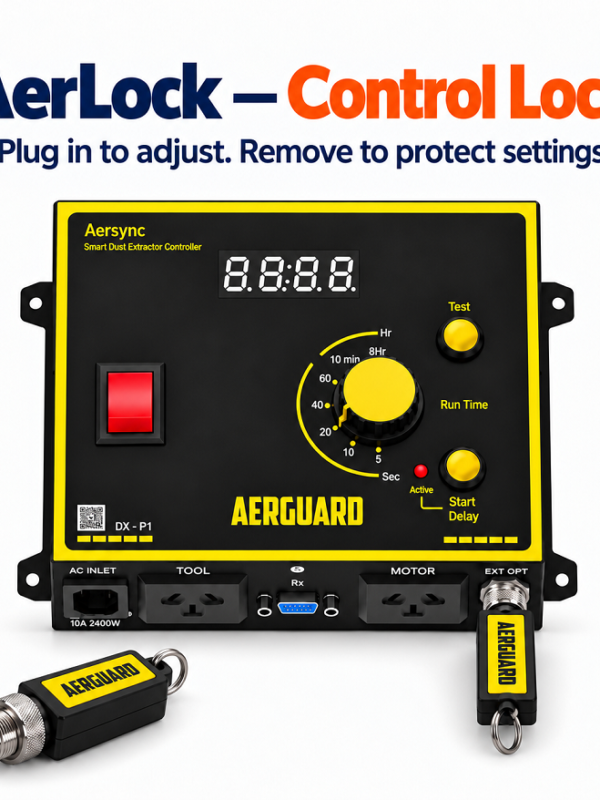
The AerLock key connects to Aersync P1 to prevent unwanted control panel adjustments.
Plug it in to enable the rotary knob and yellow buttons.
Unplug it to disable these controls.
Ideal for shared workshops, schools and Men’s Sheds where multiple people use the equipment.
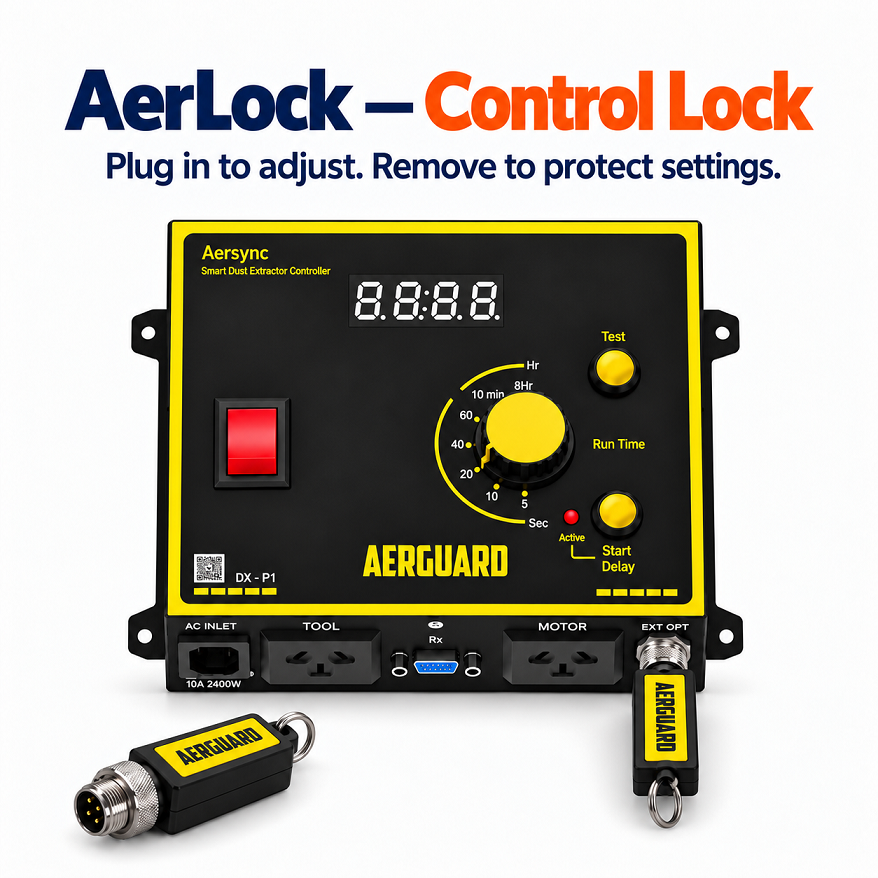
Products Needed: Aersync P1 + Aerlock Key
Includes Aerguard controls only. Tools, dust extractor(s) and hoses are not included.
Frequently Asked Questions (FAQ)
Quick answers about single-phase dust extraction, model selection and wireless tool detection.
Do I need a 10A or 15A Aersync P1?
For a tool and extractor plugged directly into P1, choose the controller for their combined load and the available power outlet.
- 10A P1: up to approximately 2400W combined tool and extractor load.
- 15A P1: up to approximately 3600W combined load. Requires a suitable 15A outlet.
Example: a 1650W saw plus a 750W extractor totals 2400W—at the approximate 10A limit. Check combined nameplate current and motor starting requirements; wattage alone is a guide.
For a wireless setup, choose each ToolSense rating for its connected tool and outlet, and the P1 rating for the equipment powered through P1. The ratings do not need to match.
See P1 model options or send us your tool and extractor nameplate details for help choosing.
How do I automatically start my dust extractor?
Connect a compatible tool and extractor to Aersync P1. P1 detects the tool running and starts the extractor, then keeps it running for the selected run-on time after the tool stops.
Can multiple tools trigger one dust extractor?
Yes. Use compatible ToolSense sensors at separate workstations and an Aerswitch Mini receiver on Aersync P1. Each sensor detects its connected tool and sends a wireless trigger. Confirm pairing capacity and test reception before permanent mounting.
Do I need a receiver with ToolSense?
Yes, when using Aersync P1: an external Aerswitch receiver is required. ToolSense is a sensor and cannot switch the extractor on its own. Aerswitch P3 has its own built-in receiver for compatible three-phase extractor setups.
Will ToolSense work with my existing Aersync P1?
P1 controllers purchased before September 2026 require a firmware update for ToolSense compatibility. The update and testing are free; you pay postage to Aerguard and we cover return postage within Australia. Contact us before ordering for an older P1.
Is remote control the same as automatic tool detection?
No. A remote switches extraction when you press its button. P1 detects a directly connected tool; ToolSense adds wireless detection at a compatible tool connected to the sensor.
Does the setup open blast gates automatically?
No. These setups control extraction and do not automatically operate blast gates. Direct airflow to the active tool using your blast gates.
What if my extractor has an NVR switch or motor starter?
If your extractor has an NVR switch, it needs to be bypassed by a qualified electrician for automatic restarting. This is not unique to Aersync—it applies to any controller that switches the extractor’s power, because the NVR prevents restarting when power returns.
Need more help? Visit Product Support or contact Aerguard.