How to Use Aersync
Get started in 3 steps
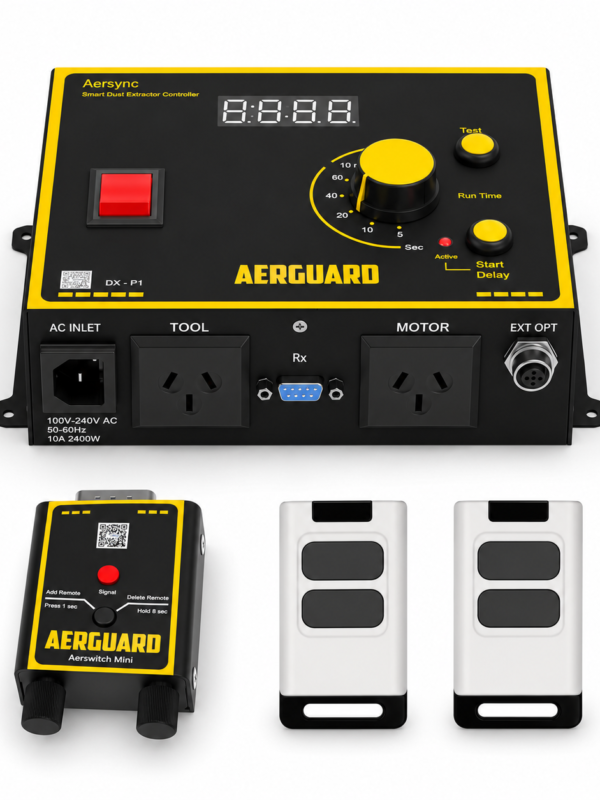
1.) Plug in your tool.
2.) Plug in your extractor.
3.) Start cutting.
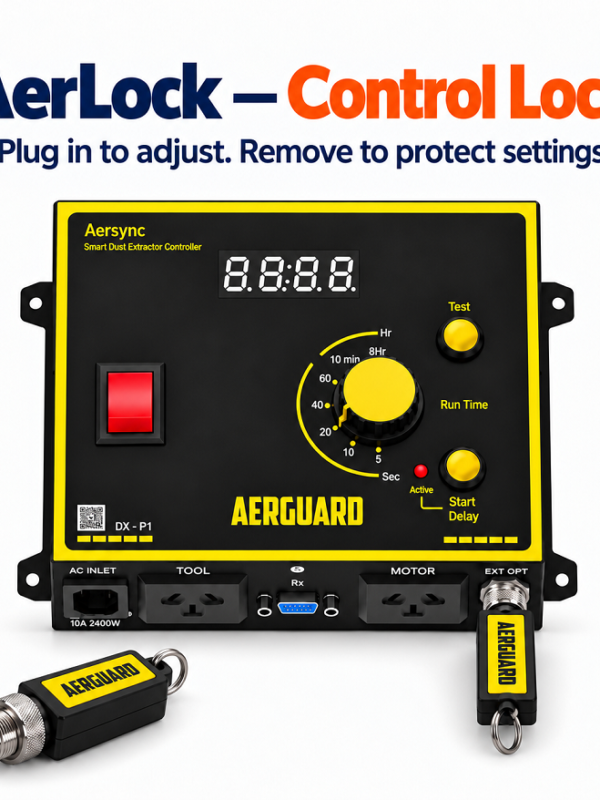
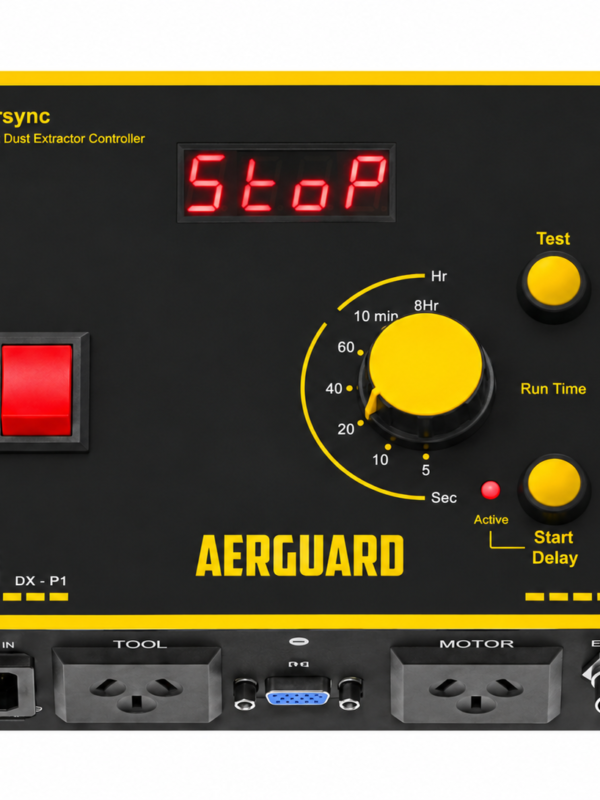
Adjust Run Time
Adjust how long the dust extractor runs after a tool is turned off.
Add Start Delay
The dust extractor waits 1 second after the tool starts, may prevent circuit breaker trips.
Manual Test
Check if the dust extractor is working without starting a tool or using the remote.
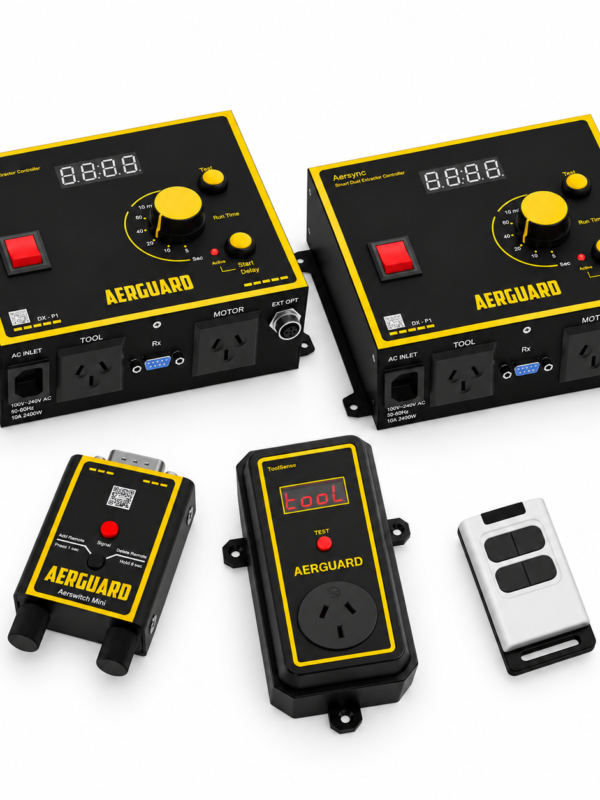
Installing Remote Receiver
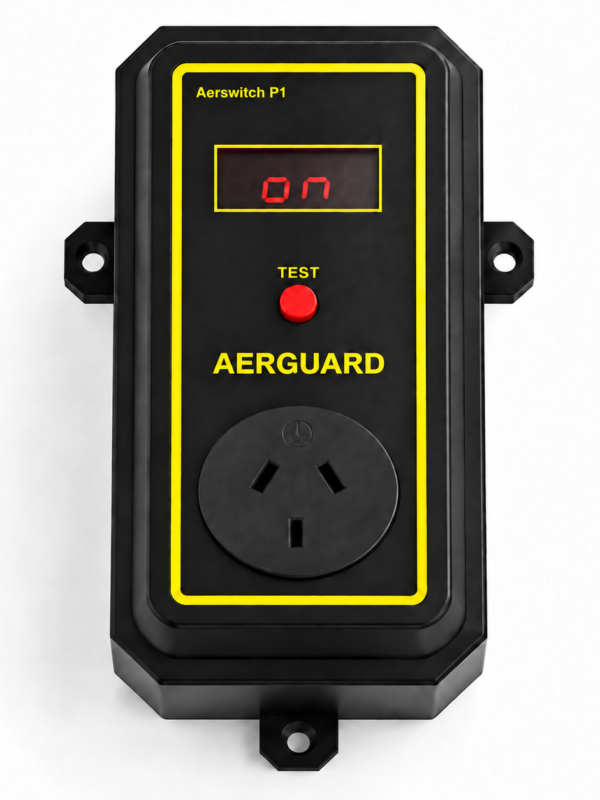
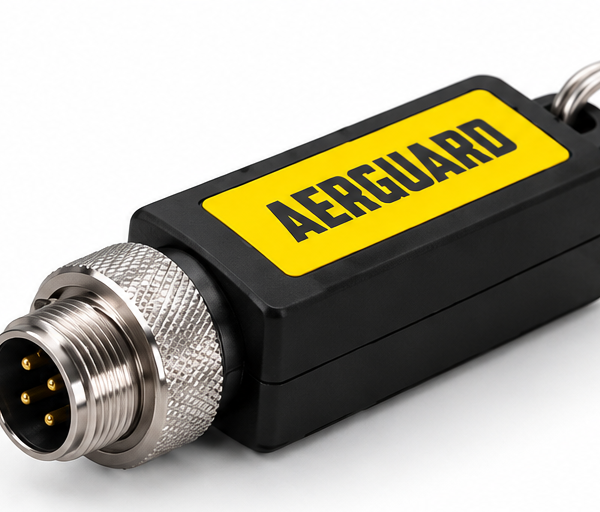
Aerswitch comes factory-paired, so you just install it on Aersync and it’s ready to use.
Add PE Sensor
The dust extractor starts automatically when you place material on your workbench.
(Video Coming Soon)
Example Installation
Suited for small workshops or cutting tool placed near the extractor

Aersync Smart Dust Extractor Controller automatically activates your dust extractor as soon as your cutting tool is in use. Once the tool is turned off, the extractor remains on for a preset duration to ensure complete dust removal.
Make your dust extractor smarter — with Aersync.
Join us on social media to stay updated and be a part of our exciting journey!