Free Shipping on Orders Over $250. Shop Now

➤ Frequently Asked Questions

No — Aersync 3 phase controller does not rely on neutral line to power its electronics.

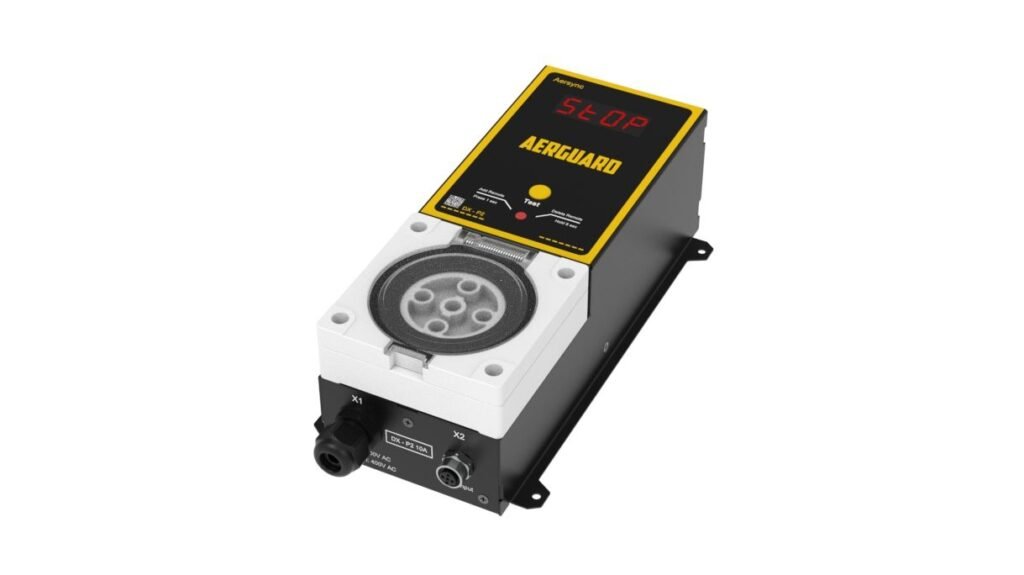
  1. Make sure the Aersync 3 phase controller is powered on. Press the red button on the front panel.
  2. Press any button on your remote.

That’s it — your remote is now ready to use with Aerswitch P3 phase controller.

You can pair up to 20 devices to one Aerswitch P3 — this total includes both remotes and any ToolSense sensors you add to your Aersync unit.

The Aerswitch remote works up to 30m in open line of sight. Please note that walls, machinery, or other obstacles may reduce this range.

Ensure all sockets and plugs are securely connected.

Check that the power supply is active.

Turn off the controller, wait 10 seconds, then turn it back on.

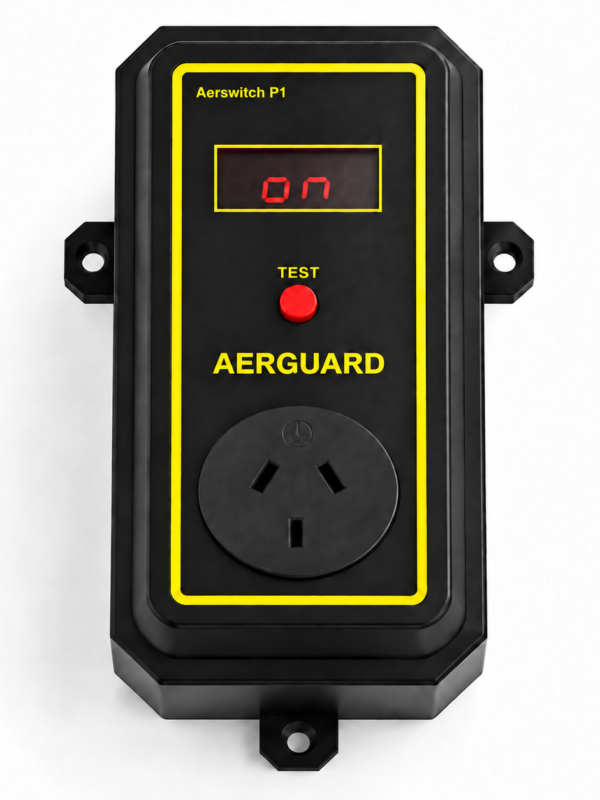
Press the test button on the control panel to see if it activates the dust extractor.

If the problem continues, check our troubleshooting guide or contact Aerguard support.

Contact our support team via phone or email, as listed in the user manual. Alternatively, visit the support section on our website for troubleshooting tips and FAQs 

Ensure the system is powered off before connecting or disconnecting any tools.

Use only supplied power cable.

Do not exceed the power limits specified on the nameplate.

Keep the controller away from moisture and extreme heat.

Shopping Cart
0.00%
Spend $250.00 more to enjoy Free Shipping!
Your cart is currently empty!.

You may check out all the available products and buy some in the shop.

Continue Shopping
Free Shipping Bar Attributes
Add Order Note
Estimate Shipping