Aerguard
The Smart Wood Dust Extractor Controller for a Cleaner, Safer Workshop
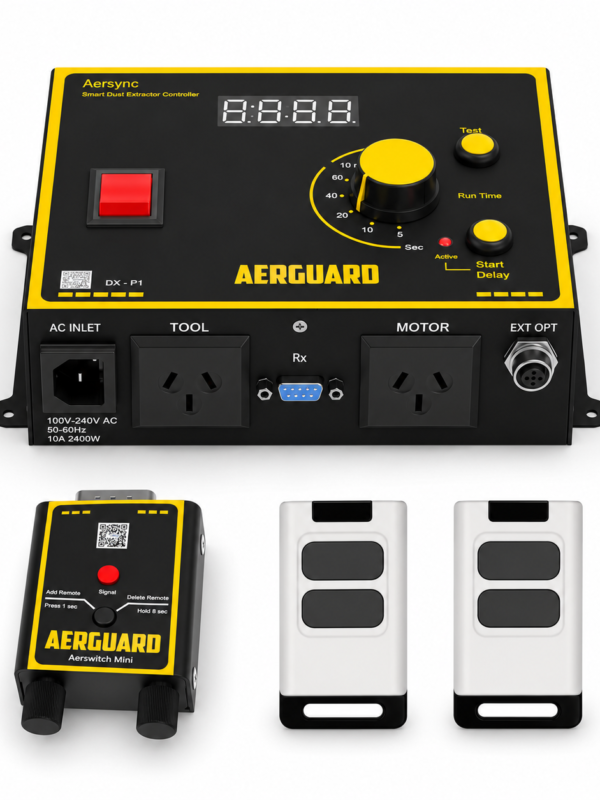
No — Aerswitch is already programmed before leaving the factory.
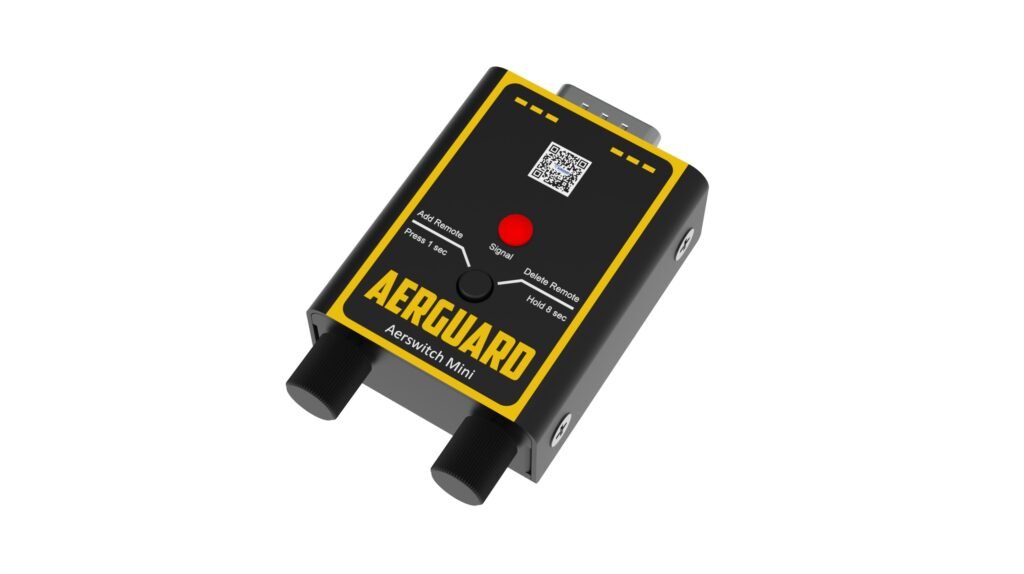
If you are adding an extra remote then you will need to pair the new remote to the Aerswitch receiver.
That’s it — your remote is now ready to use with Aersync.
The Aerswitch remote works up to 30m in open line of sight. Please note that walls, machinery, or other obstacles may reduce this range this range.
Try pressing another button on the remote, including the Off button. This should light up the status LED and confirm the signal is being sent.
If the problem continues, check our troubleshooting guide or contact Aerguard support.
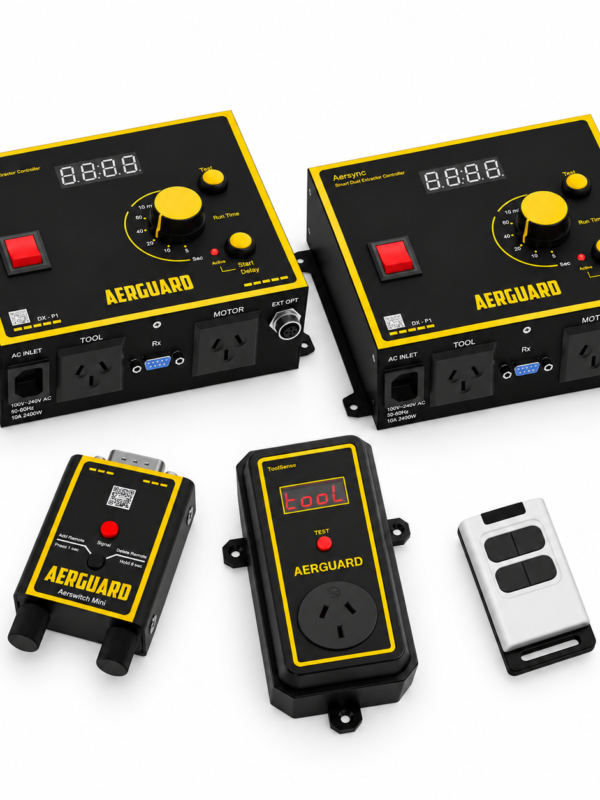
You can pair up to 20 devices to one Aerswitch — this total includes both remotes and any ToolSense sensors you add to your Aersync unit.
Contact our support team via phone or email, as listed in the user manual. Alternatively, visit the support section on our website for troubleshooting tips and FAQs
Out of stock
Email address *Required
Password *Required
Remember me Lost your password?
Login
Create Account
A link to set a new password will be sent to your email address.
Your personal data will be used to support your experience throughout this website, to manage access to your account, and for other purposes described in our privacy policy.
You may check out all the available products and buy some in the shop.