Free Shipping on Orders Over $250. Shop Now
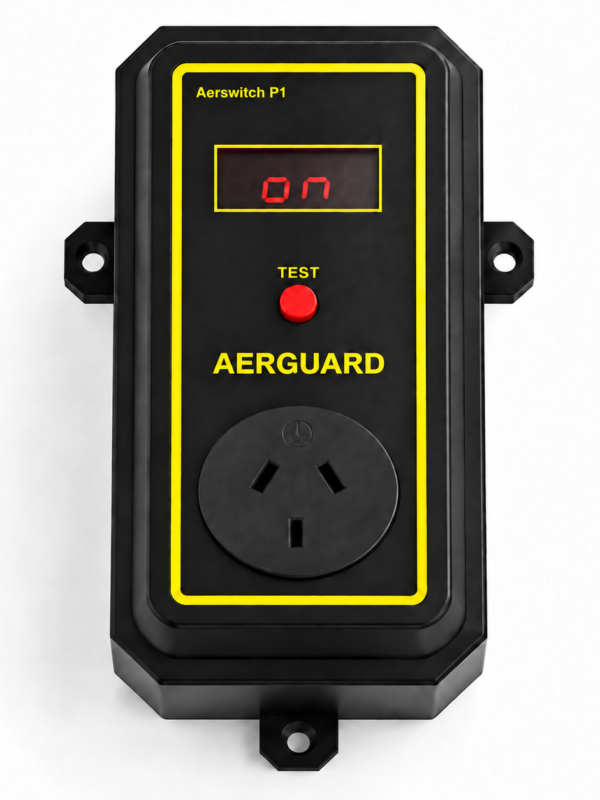
  1. Check that the Aersync P1 display is working.
  2. Switch off and unplug P1, then check the receiver is firmly connected.
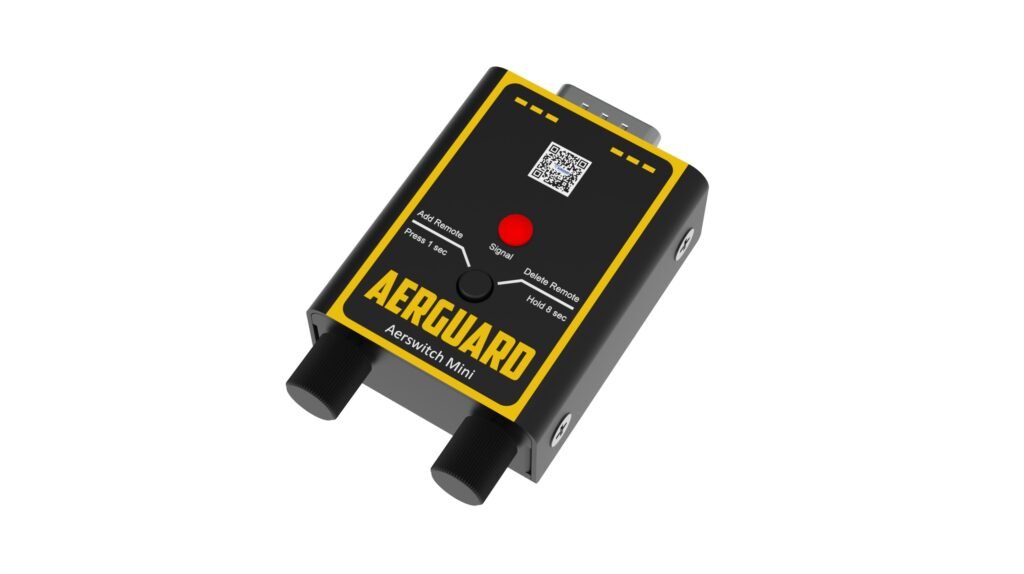
  3. Restore power and briefly press the red learning button. If the indicator still does not respond, contact support.

Do not hold the button for 8 seconds; this clears paired devices.

  1. Press Test on the Aersync P1. If the extractor does not start, follow the ‘Extractor will not start’ checks first.
  2. Press ON on the remote while close to the Aerswitch Mini. Check whether the Mini’s red light responds.
  3. If the light does not respond, replace the remote battery and pair the remote again. If the light responds but the extractor still does not start, contact Aerguard support.
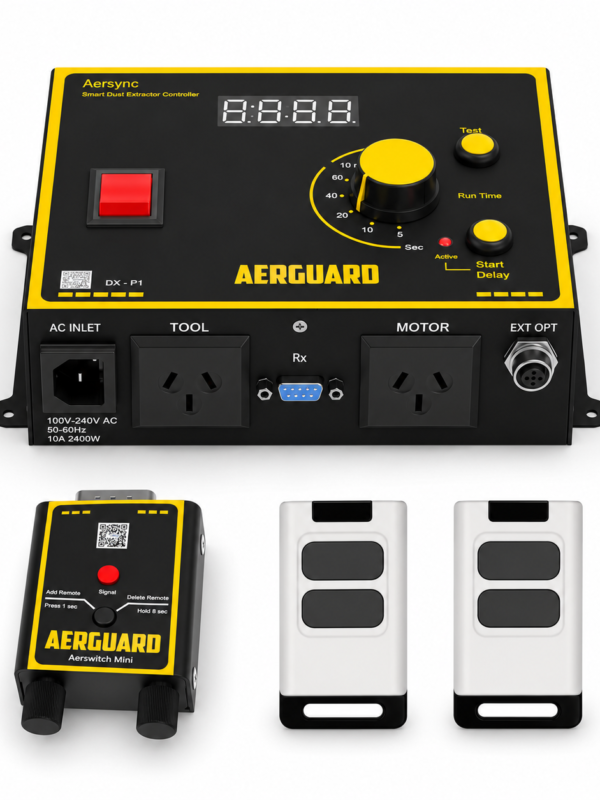
  1. With P1 powered, hold the Mini receiver’s red button for about 1 second until its indicator stays on.
  2. Press a remote button. The indicator blinks to confirm pairing.
  3. Test ON and OFF close to the receiver, keeping clear of the extractor.

An 8-second hold clears all paired devices.

  1. Check or replace the remote battery.
  2. Try the remote closer to the Aerswitch Mini.
  3. If it works nearby, move away from large metal objects that may block the signal. If the problem continues, contact Aerguard support.

Two-button remote: ON uses the time set on the P1 dial; OFF stops immediately. Adjust the dial as needed. Choose 8 hours for a long ON period, then use OFF when finished. The four-button remote also has 10-minute and 8-hour modes.

Still need help? Tell us what happened and which checks you tried.

Shopping Cart
0.00%
Spend $250.00 more to enjoy Free Shipping!
Your cart is currently empty!.

You may check out all the available products and buy some in the shop.

Continue Shopping
Free Shipping Bar Attributes
Add Order Note
Estimate Shipping