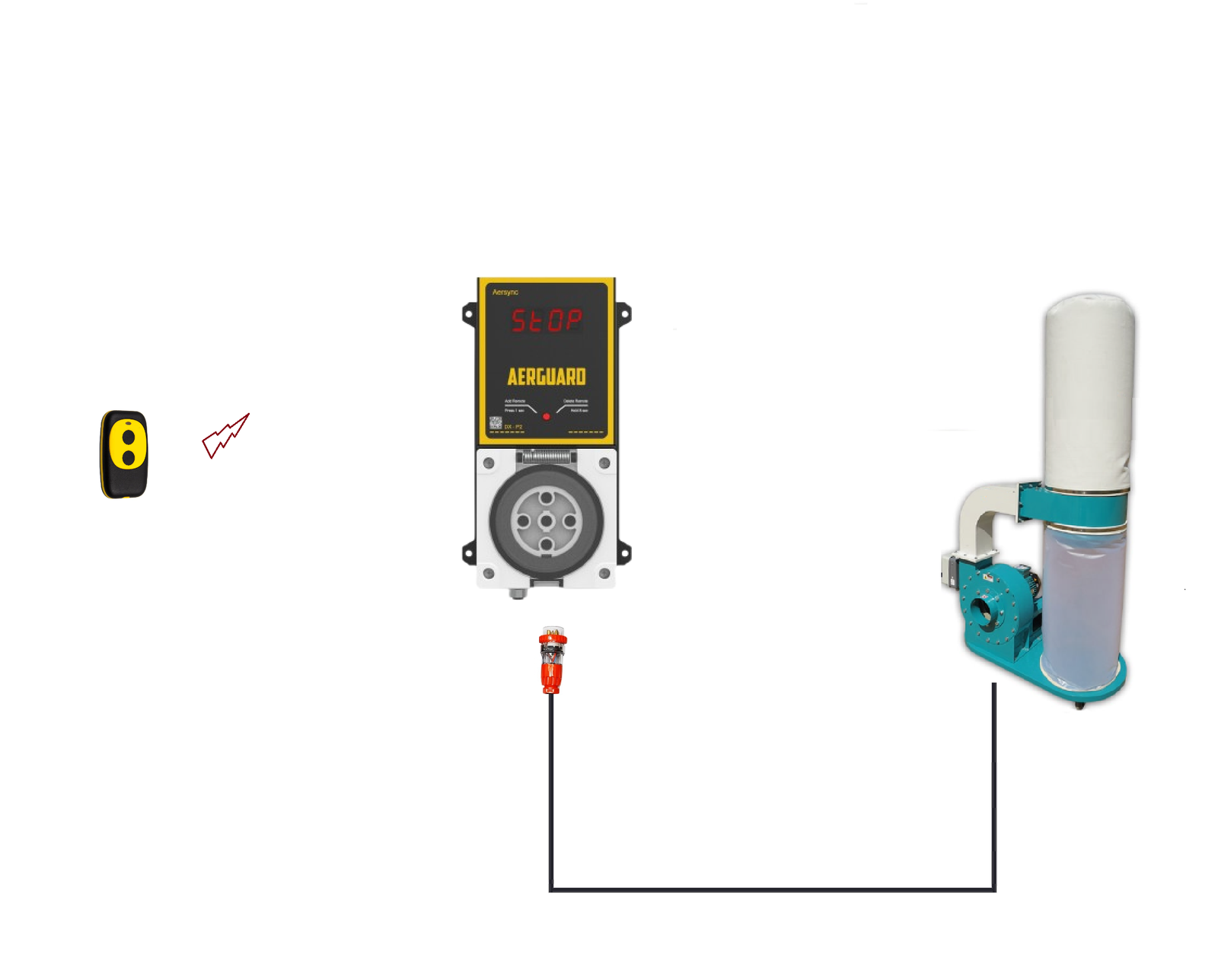
Control your 3-phase dust extractor from your workstation.
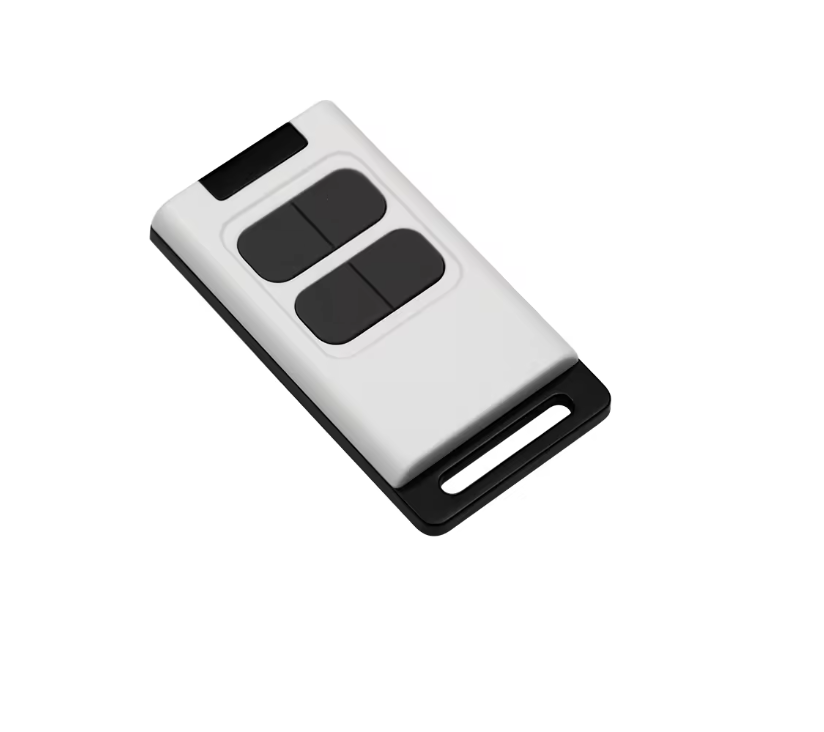
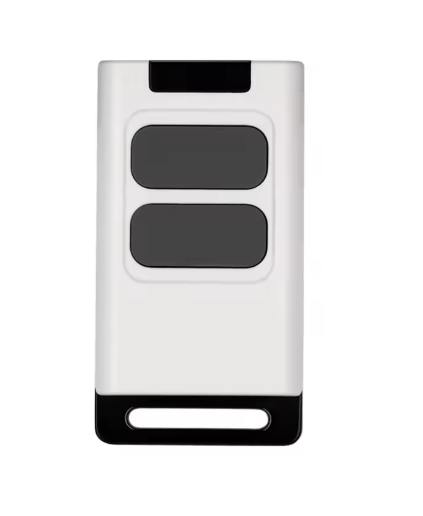
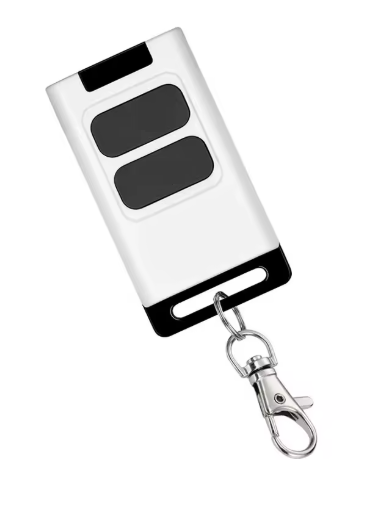
Simply press the On button on the remote to start the extractor, and Off to stop it.
Upgrade to the 4-button remote for extra functionality, including a 10-minute timer or 8-hour timer.
➤ Automatic 3-Phase Dust Extraction
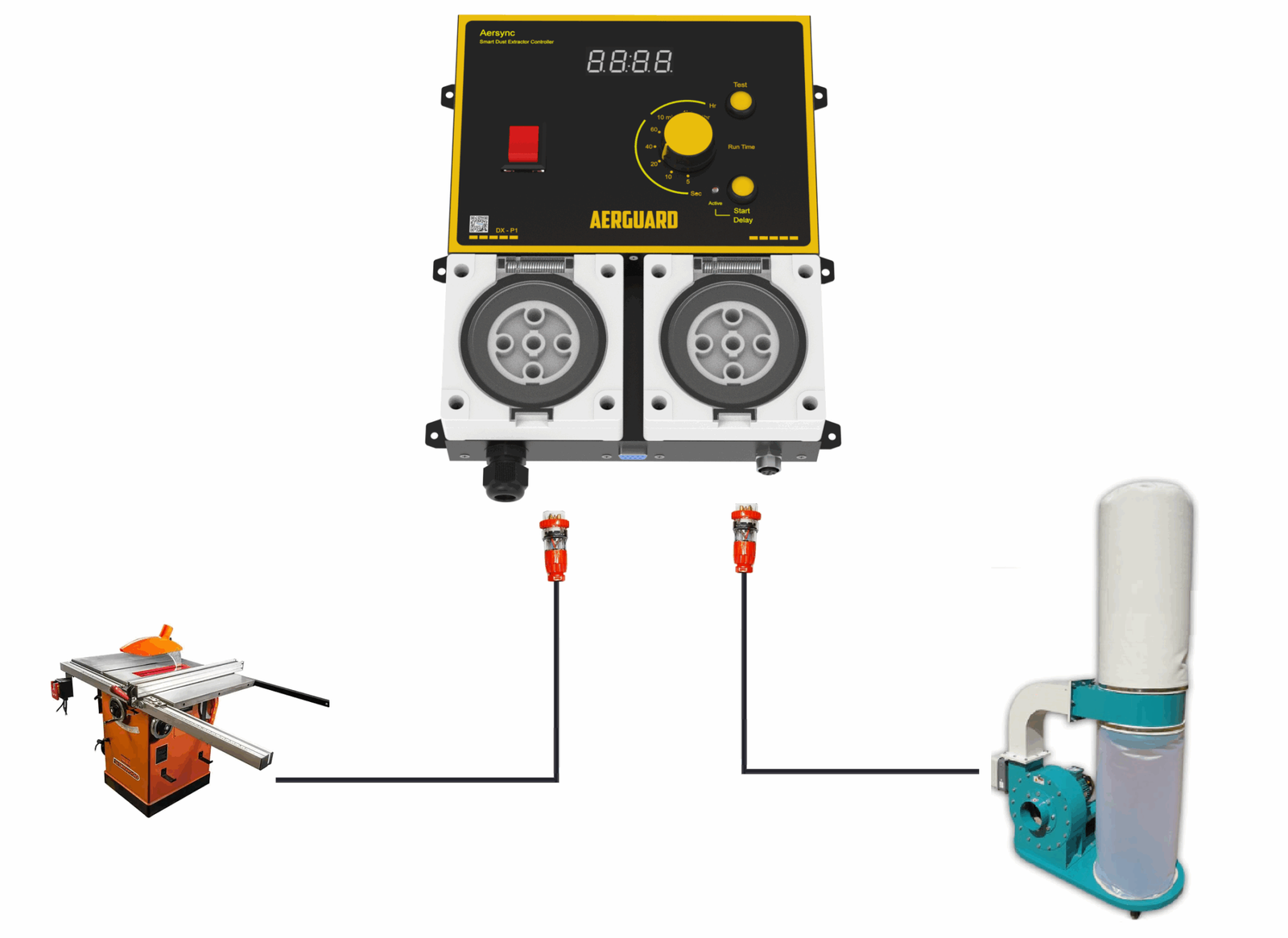
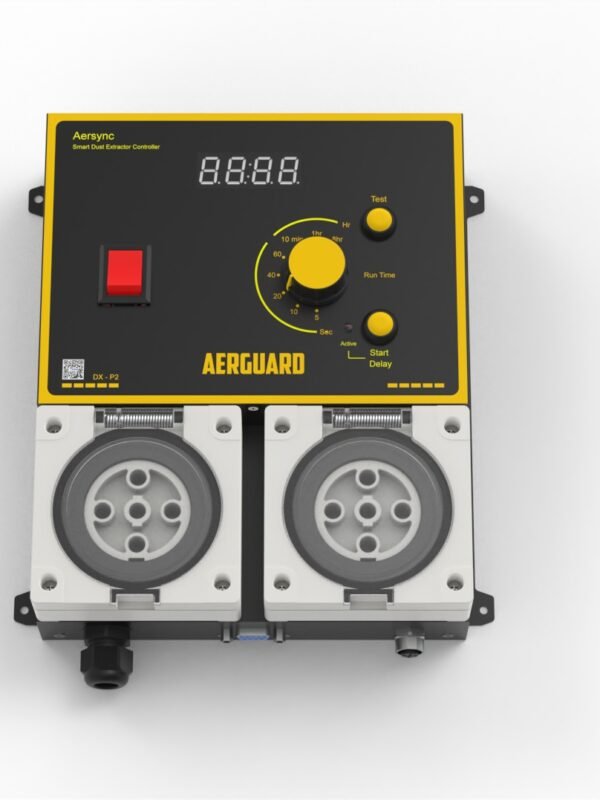
Aersync P3 Dust Extractor Controller is designed for larger tools and high-capacity dust extractors in professional workshops. It automatically starts your 3-phase (400V) dust extractor when a machine is running.
After the tool stops, Aersync P3 keeps the extractor running briefly to clear remaining dust—keeping your workshop cleaner with no extra steps.
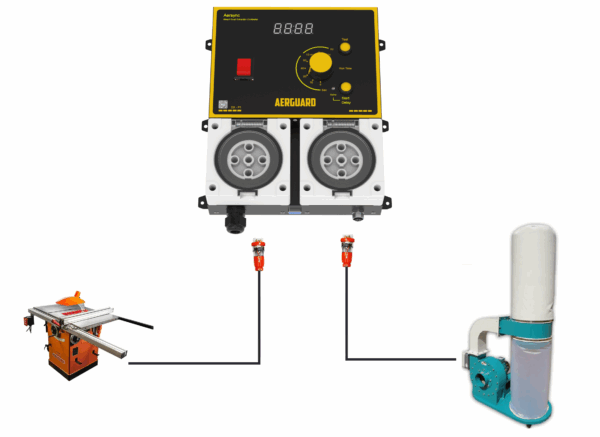
Automatically start your central dust extractor whenever a tool is used.
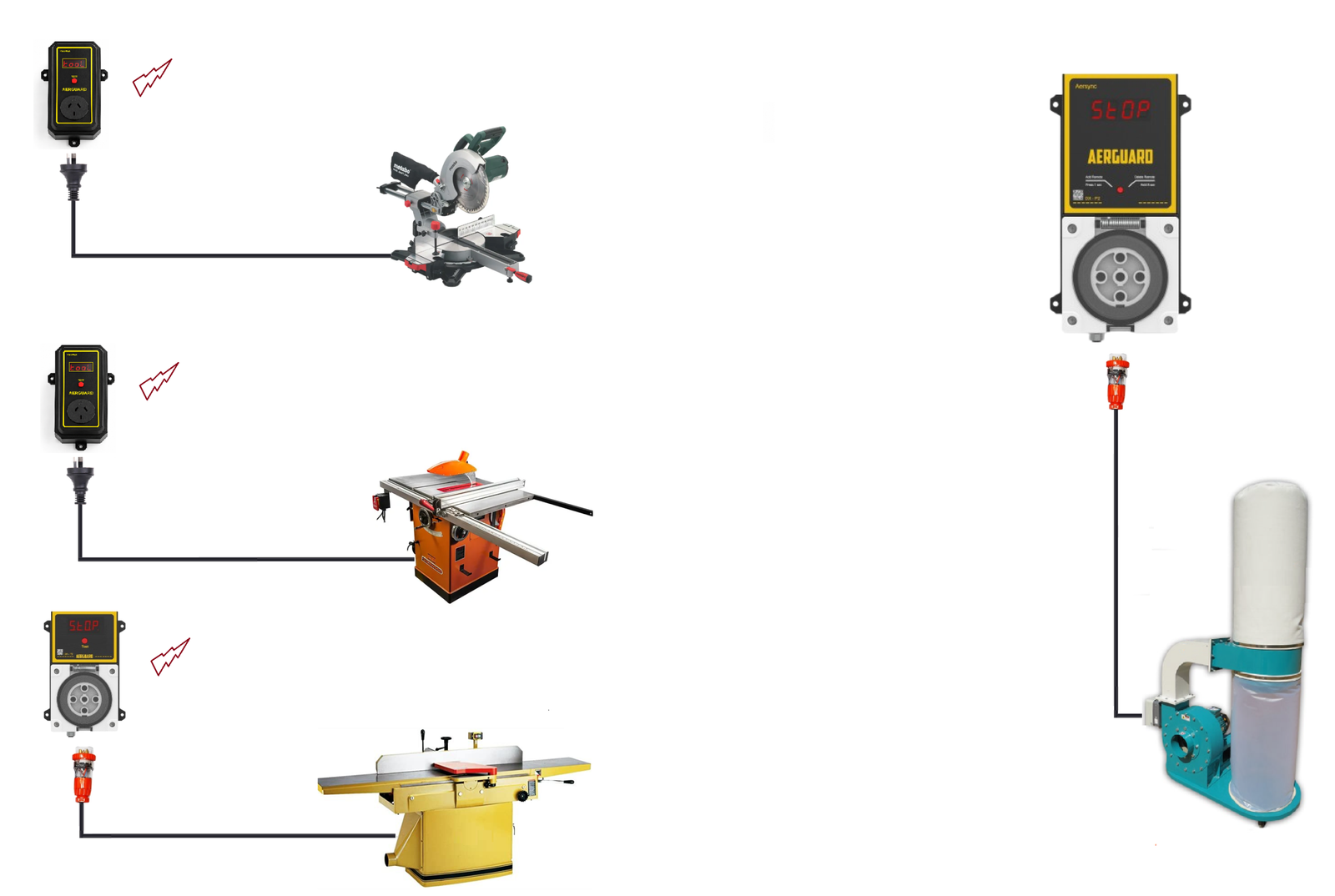
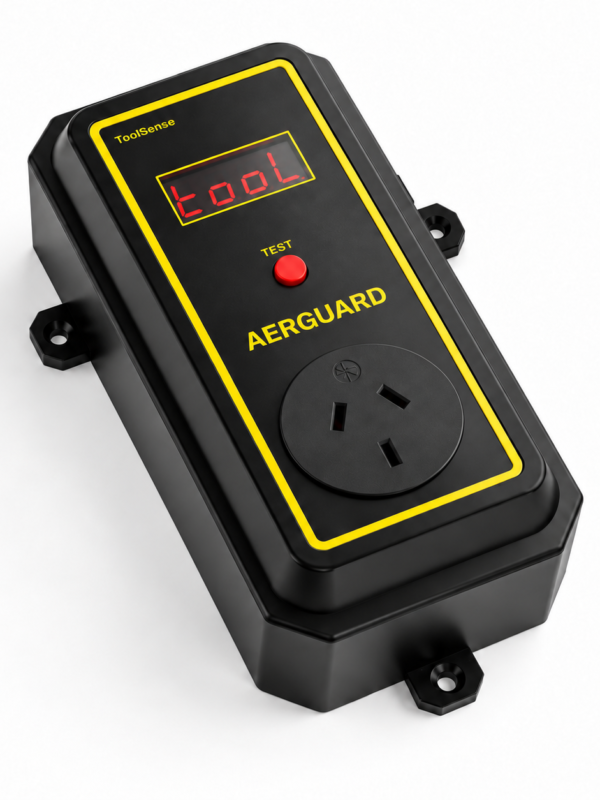
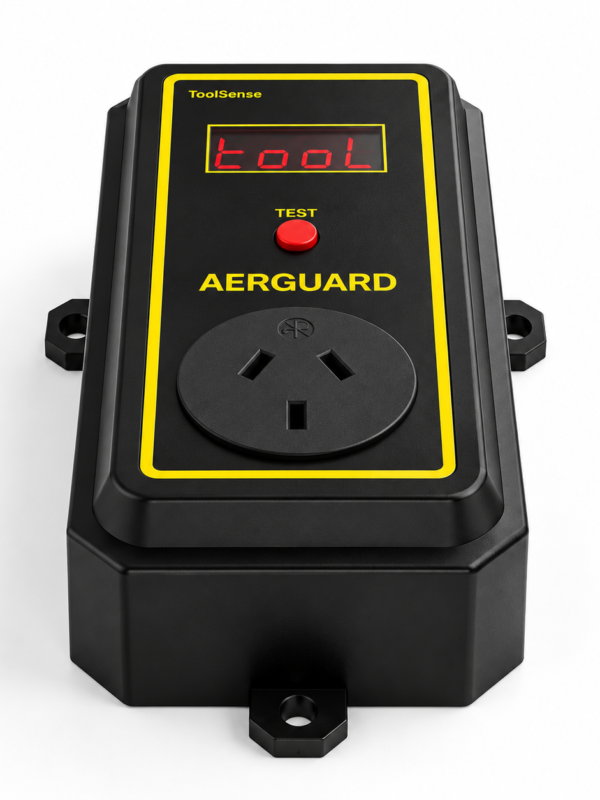
Plug each tool into a ToolSense sensor. When a tool starts, ToolSense sends a wireless signal to Aersync, automatically starting the connected dust extractor—no cables between workstations or remote buttons to press.
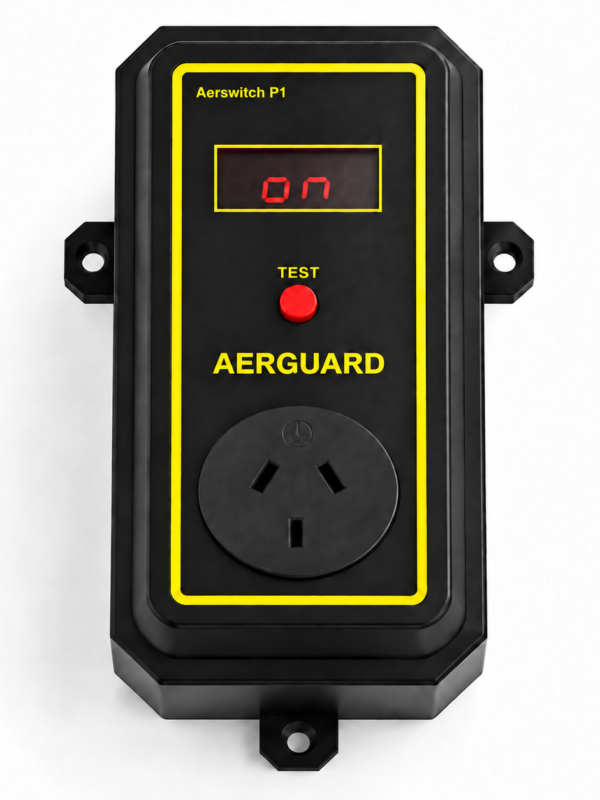
Pair up to 20 ToolSense sensors with one Aerswitch receiver. Setup is simple: put the receiver into learning mode and press the Test button on ToolSense.
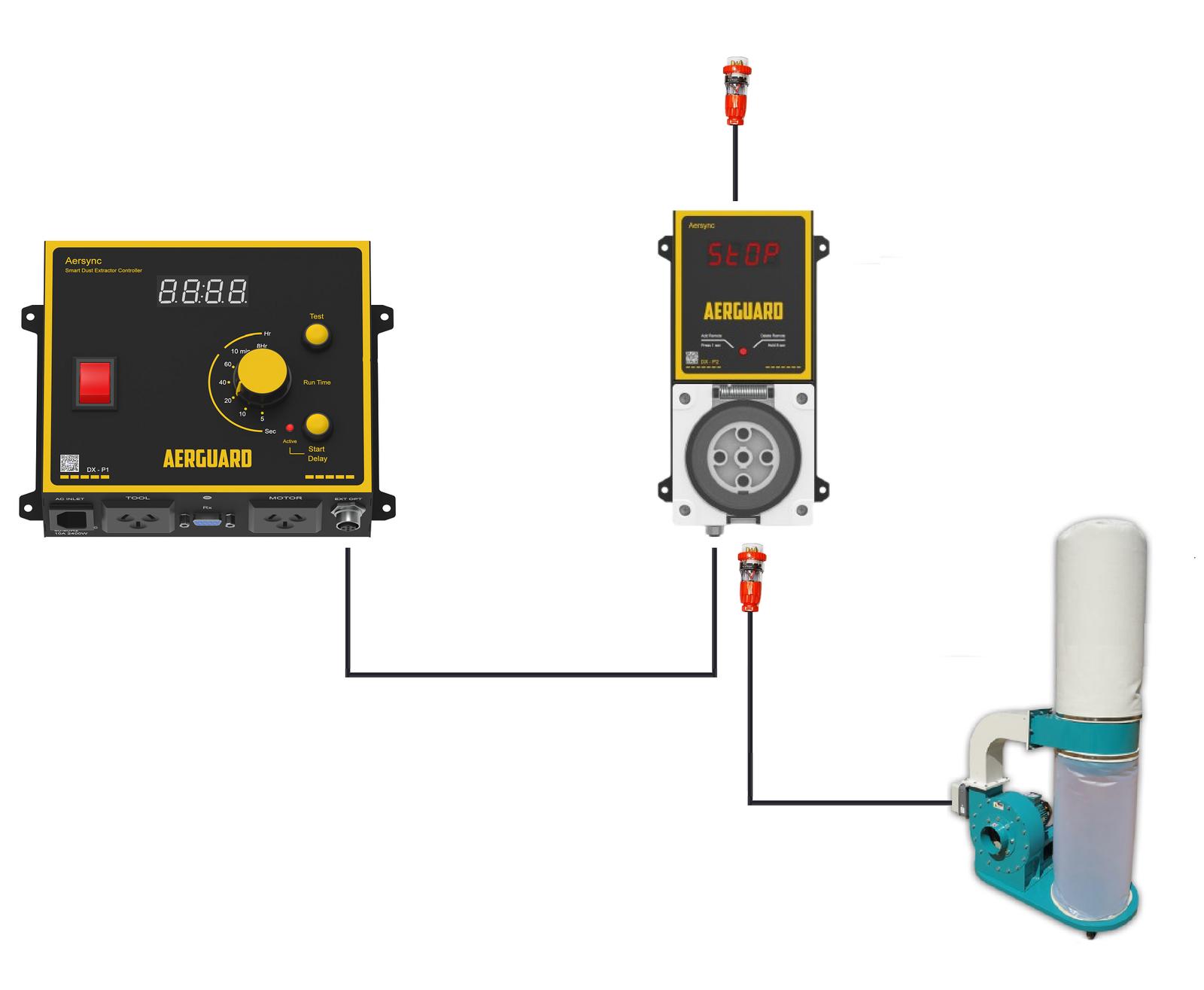
Control Your 3-Phase Dust Extractor from Your 230V Aersync.
When connected as a slave, the 3-phase controller will follow the 230V unit’s operation. When the 230V unit is on, the 3-phase controller is on. When the 230V unit is off, the 3-phase controller is off.
No complicated wiring—simply plug the main controller into the 3-phase controller with the sync cable, turn on both units, and you’re ready to go.
Ideal for workshops that use both single-phase and 3-phase dust extractors.